Give points to your class
Did your class shine today? Here's how to reward them: one student, everyone… and with your own reasons.
What’s said in the video
Did your class shine today? Here's how to reward them: one student, everyone… and with your own reasons. To reward one student, tap their card, then “Give points or coins”. Pick a reason… and tap “Confirm”. Done, points added! Was it a team effort? Tap “Select”, check the ones you want… or “Select all”. Then, “Give Points”. Can't find the right reason? Tap “New attitude”, give it a name, an icon and points… and save it. It's already selected: tap “Confirm”, and the whole class gets it. Your new attitudes are saved, ready for your next class. Alquie. Your class, an adventure.
More from Getting started
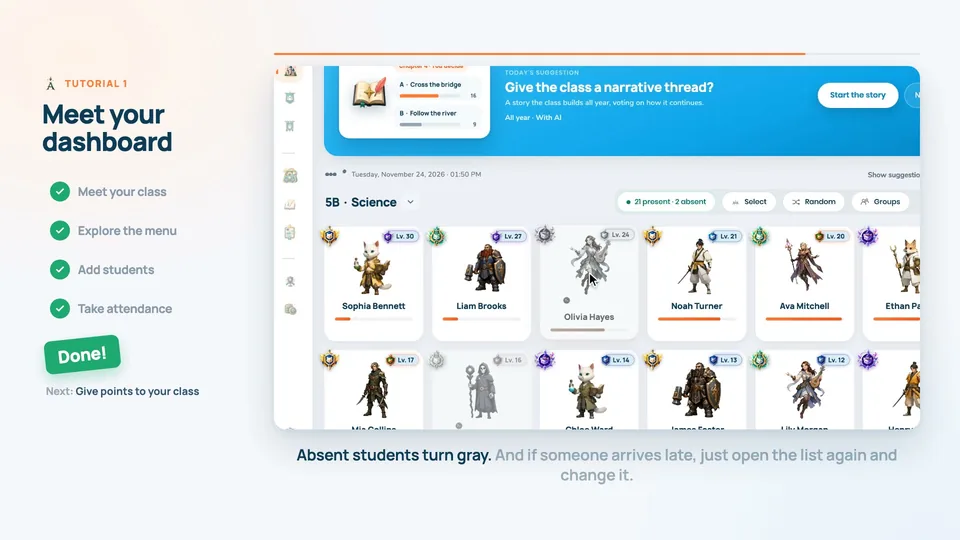 0:56 Meet your dashboardYour class, the menu, adding students and taking attendance.
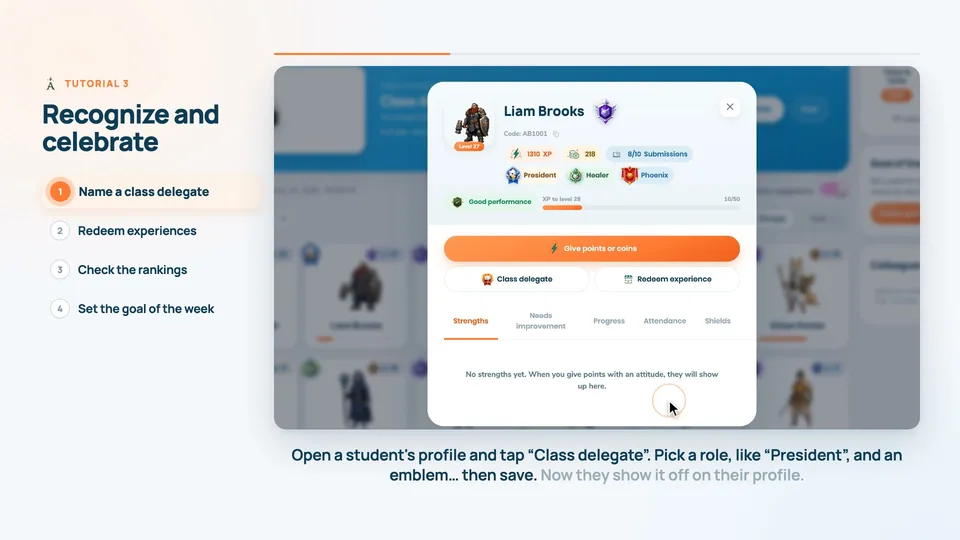 0:57 Recognize and celebrateClass delegate, experiences with coins, rankings and the goal of the week.
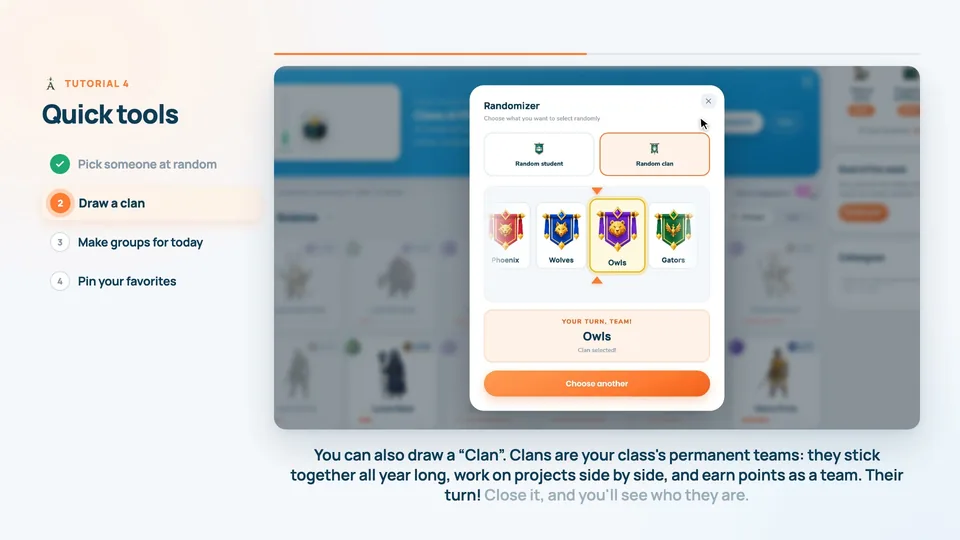 1:06 Quick toolsPick at random, make groups for an activity and pin your favorite tools.
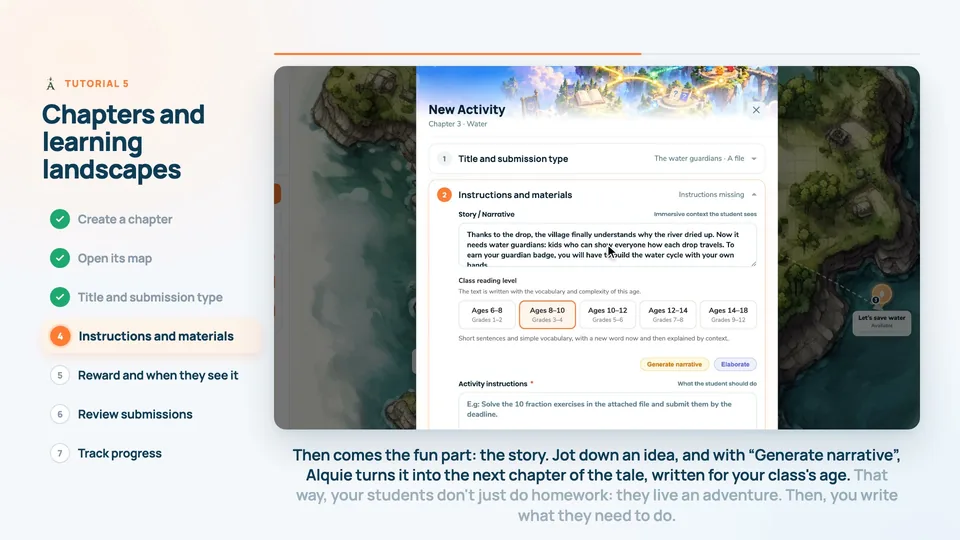 2:07 Chapters and learning landscapesThe story of each chapter, its activities, submissions and Tracking.