Quick tools
Need to pick someone, or make teams on the fly? You've got three tools, just one tap away.
What’s said in the video
Need to pick someone, or make teams on the fly? You've got three tools, just one tap away. Tap “Random”, then “Select!”. The wheel goes through the whole class… and it remembers who already had a turn, so nobody comes up twice in a row. Everyone's watching… There it is! You can also draw a “Clan”. Clans are your class's permanent teams: they stick together all year long, work on projects side by side, and earn points as a team. Their turn! Close it, and you'll see who they are. Doing an activity today? Tap “Groups”, choose how many students per group… and “Generate”. They're one-day groups: if you don't like them, “Regenerate”. And with “Project”, the whole class sees them. Finally, on the right you have “Your tools”. Open the Kit, tap the pin on the ones you use most… and they're always at hand. Three taps, and your class keeps moving. Alquie. Your class, an adventure.
More from Getting started
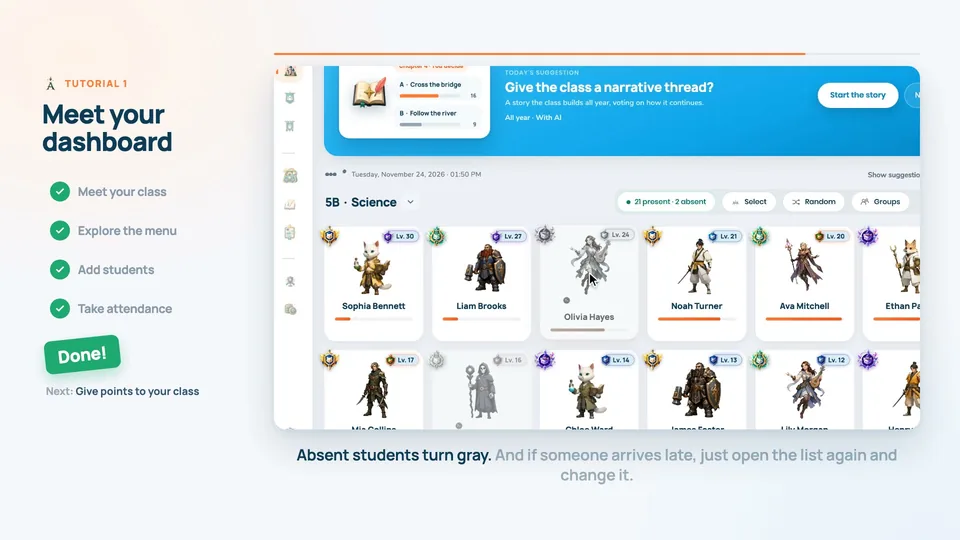 0:56 Meet your dashboardYour class, the menu, adding students and taking attendance.
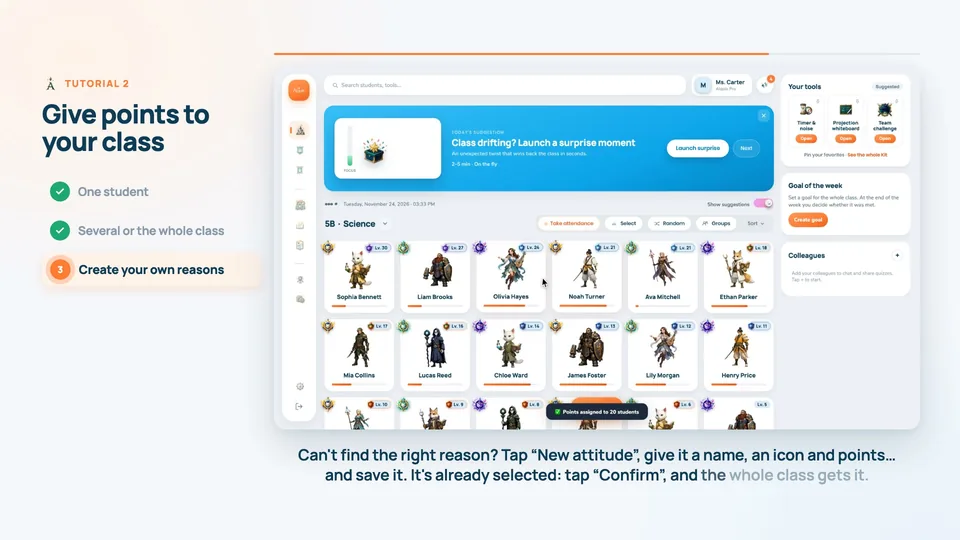 0:51 Give points to your classTo one student, to several or to the whole class, with your own reasons.
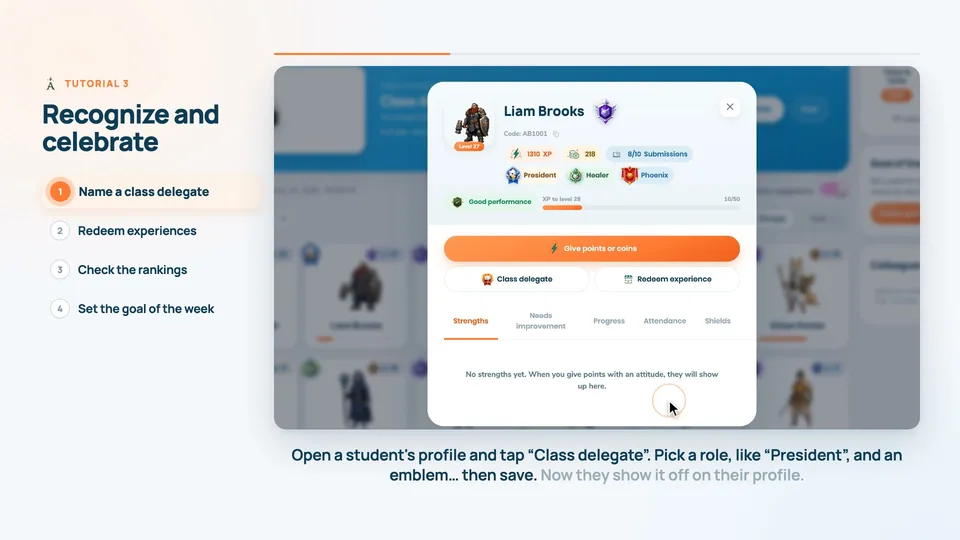 0:57 Recognize and celebrateClass delegate, experiences with coins, rankings and the goal of the week.
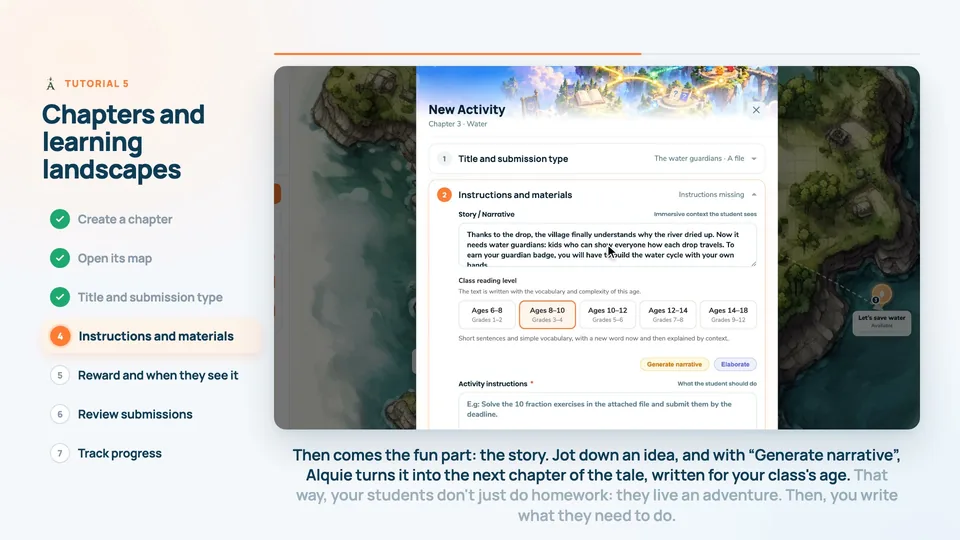 2:07 Chapters and learning landscapesThe story of each chapter, its activities, submissions and Tracking.