Meet your dashboard
New to Alquie? Let me show you around your dashboard in a minute.
What’s said in the video
New to Alquie? Let me show you around your dashboard in a minute. This is your class: each card is a student, with their character and their level. Up top, you pick the class… and on the right, your favorite tools are just one tap away. On the left is the menu: your class, what you teach… and what helps you motivate. Someone new joined? At the end of your class, tap “Add students”. Add them one by one… or paste a whole list. Each one gets their own code to sign in. Now scroll up and tap “Take attendance”. Everyone starts as present: just tap the ones who are missing… then, “Save attendance”. Absent students turn gray. And if someone arrives late, just open the list again and change it. Alquie. Your class, an adventure.
More from Getting started
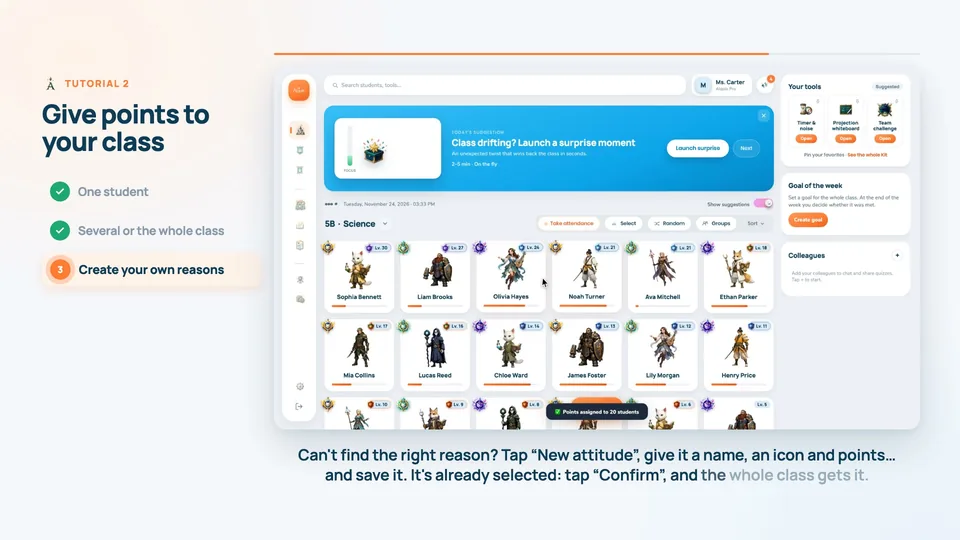 0:51 Give points to your classTo one student, to several or to the whole class, with your own reasons.
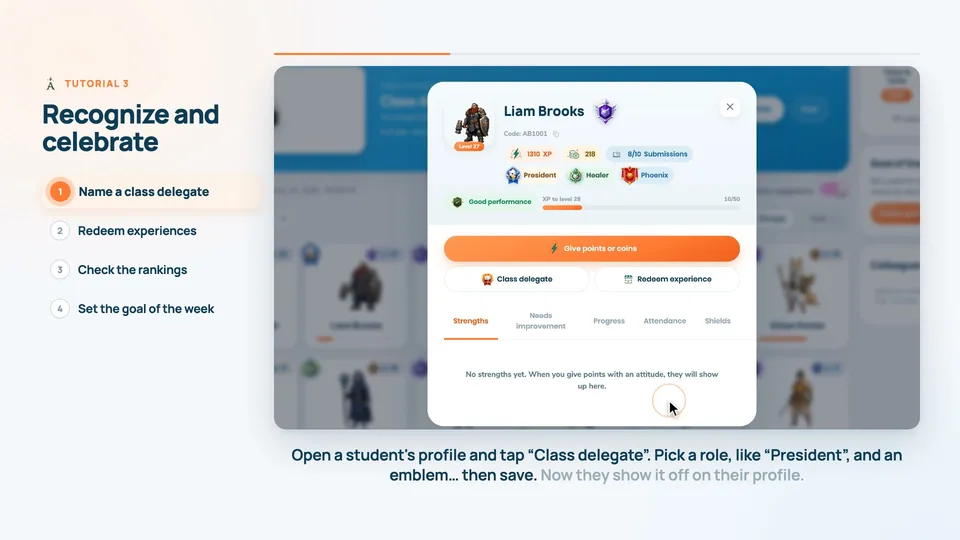 0:57 Recognize and celebrateClass delegate, experiences with coins, rankings and the goal of the week.
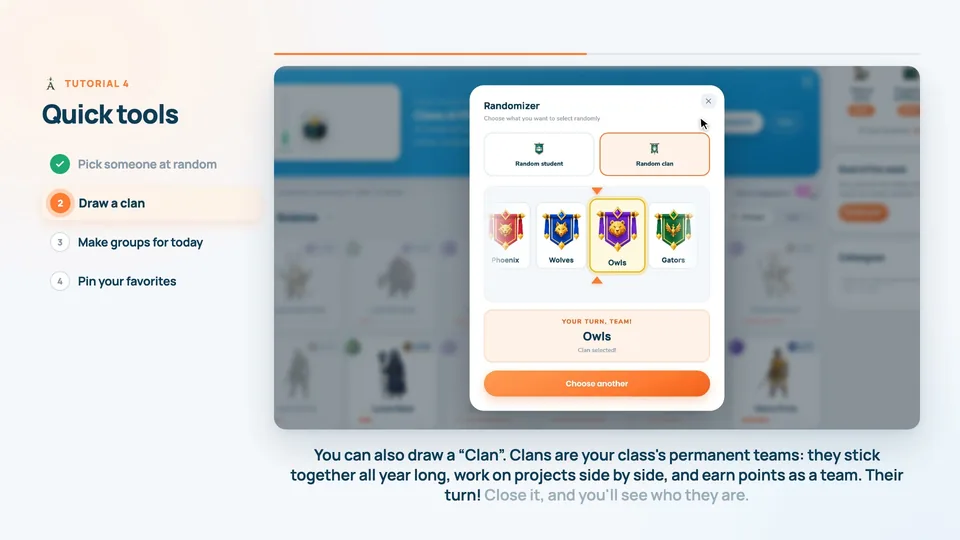 1:06 Quick toolsPick at random, make groups for an activity and pin your favorite tools.
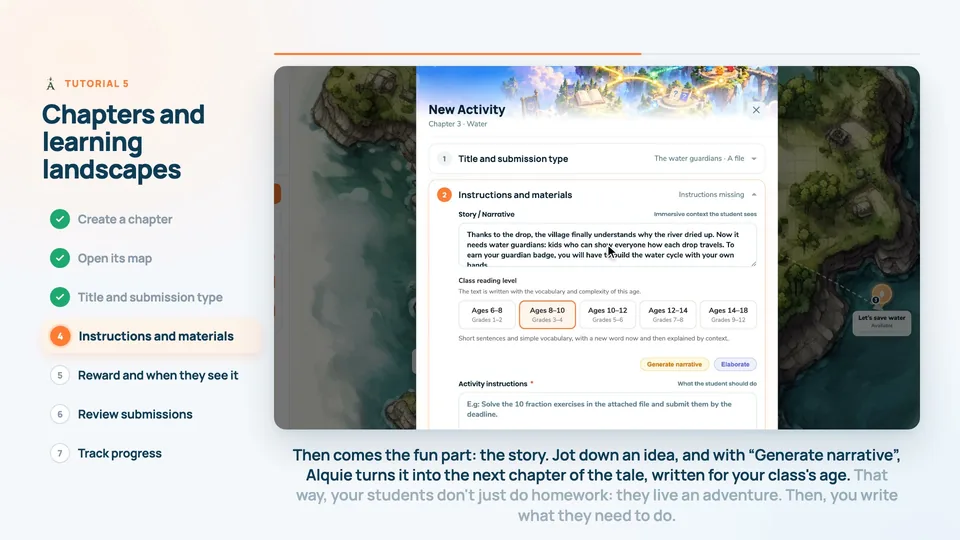 2:07 Chapters and learning landscapesThe story of each chapter, its activities, submissions and Tracking.