Adventure Mode
Does your class already know Alquie, and you want to raise the stakes? Adventure Mode turns your class into a team of heroes, with roles and powers… without changing your content.
What’s said in the video
Does your class already know Alquie, and you want to raise the stakes? Adventure Mode turns your class into a team of heroes, with roles and powers… without changing your content. Tap “Toolkit” and go to “Adventure Mode”. The first time, it recommends using it once your class knows the platform: tap “I understand”… and then “Turn on for this class”. When your students log in, each one picks a class: the Paladin protects the group, the Healer looks after their classmates… and the Striker hits harder. The choice is for good. On their panel they see their health, their energy… and their powers. Each class has five, unlocked as they level up. Powers are used in Team challenge, with students answering on their device. You project the battle… and each one has their powers at hand. If the boss charges an attack, the Paladin uses their Holy Shield. A right answer… and the attack is blocked. And the clan has powers too: one member proposes it, the classmates present vote… and it kicks in for the whole clan. A tip: turn it on once your class has mastered the other mechanics. That’s where it shines the most. Alquie, your class, an adventure.
More from Mechanics
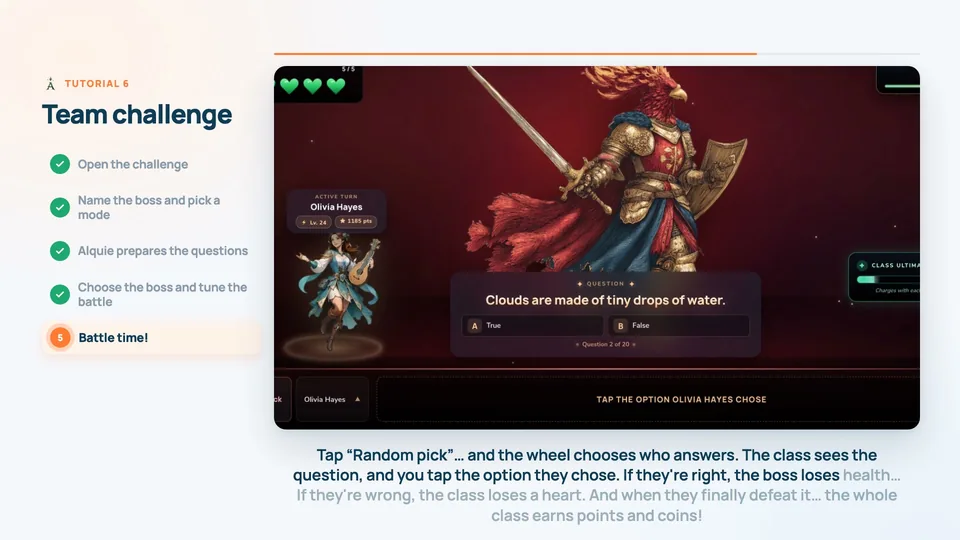 1:34 Team challengeThe whole class beats one boss.
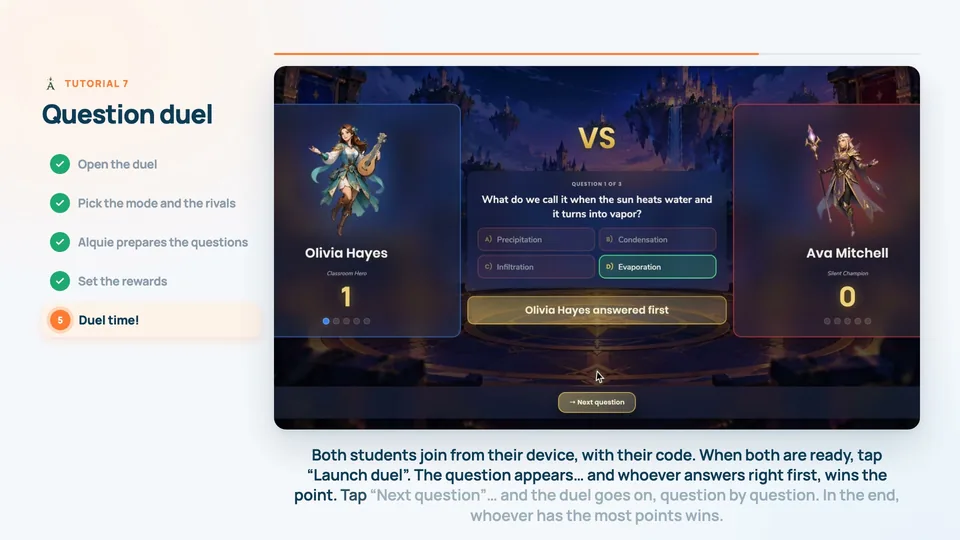 1:33 Question duelTurn-based, one against one.
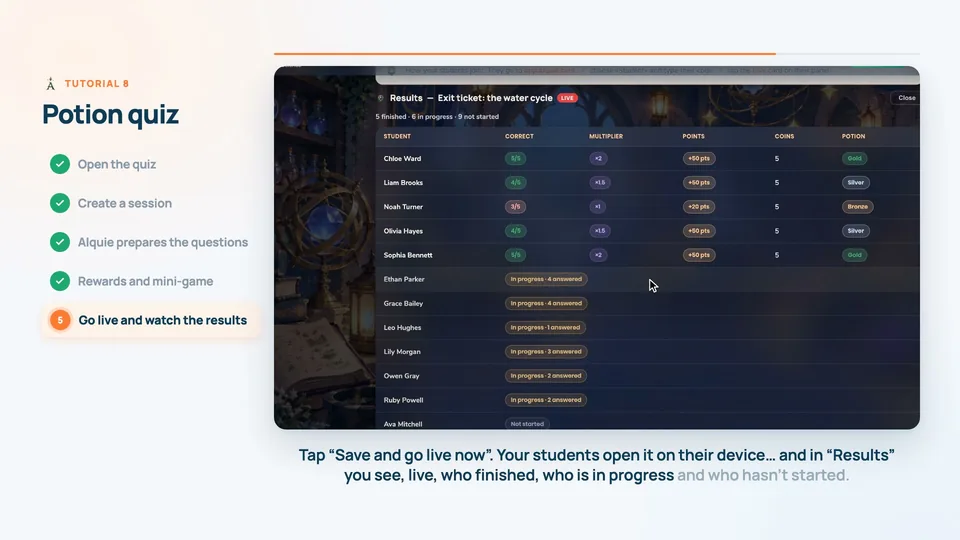 1:13 Potion quizEach student answers on their device.
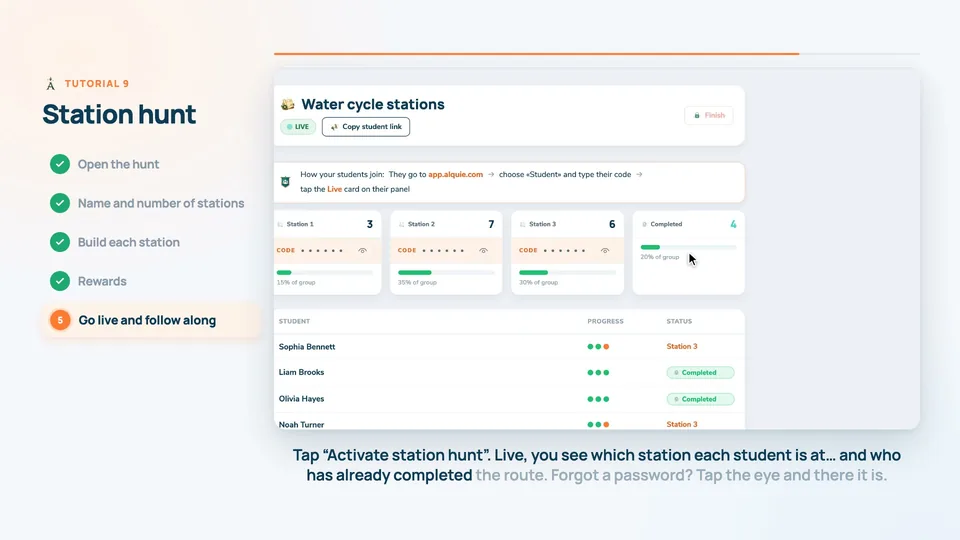 1:23 Station huntStation-based work, more fun.
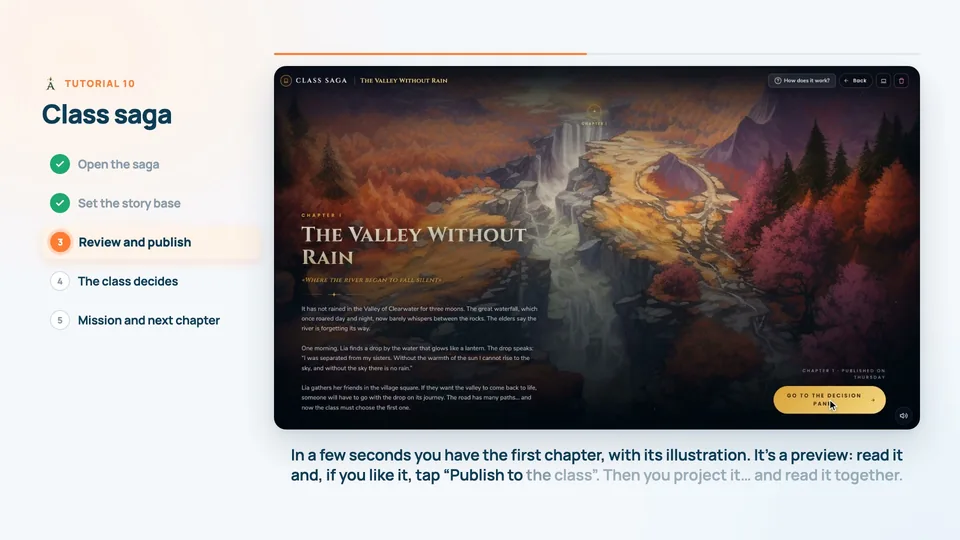 1:27 Class sagaA tale the class builds all year.
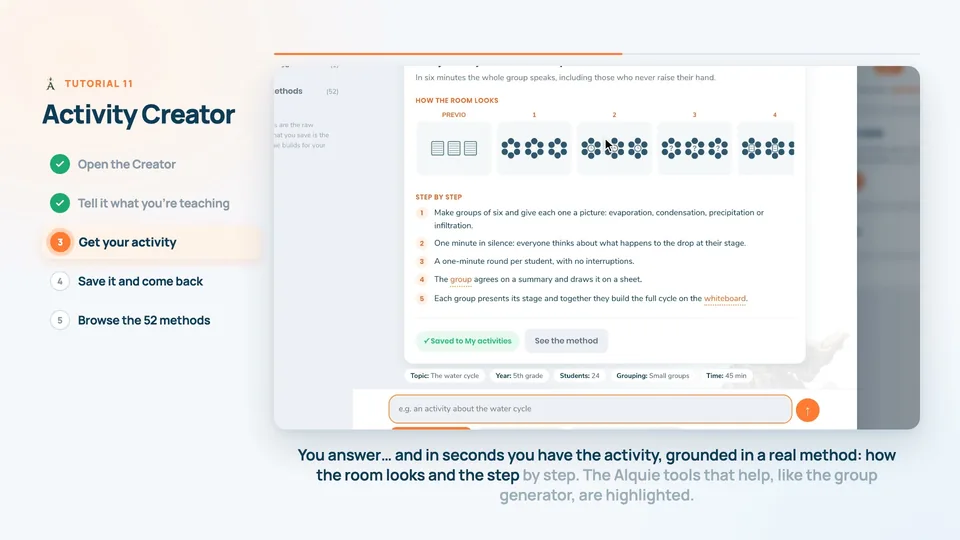 1:09 Activity CreatorWhat to do when nothing comes to mind.
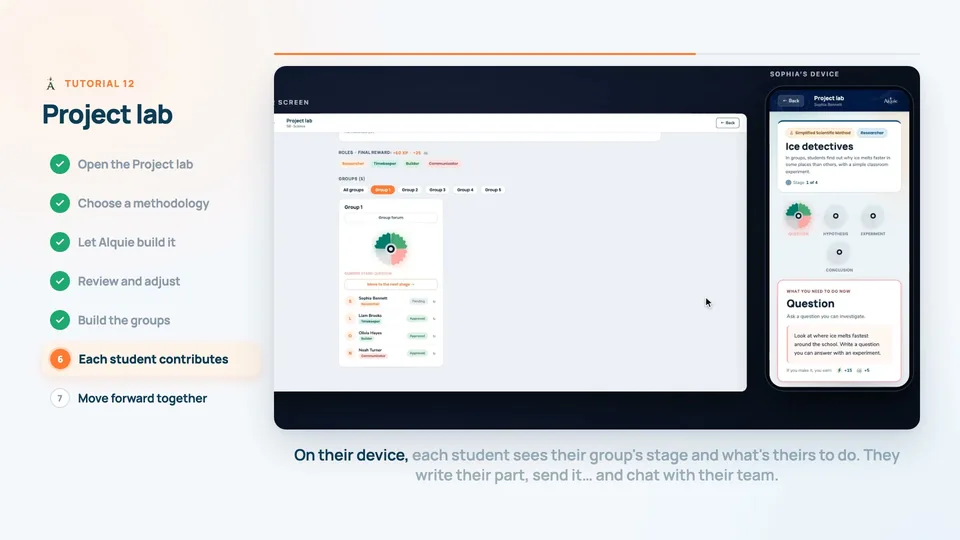 1:32 Project labPBL, Design Thinking, inquiry.
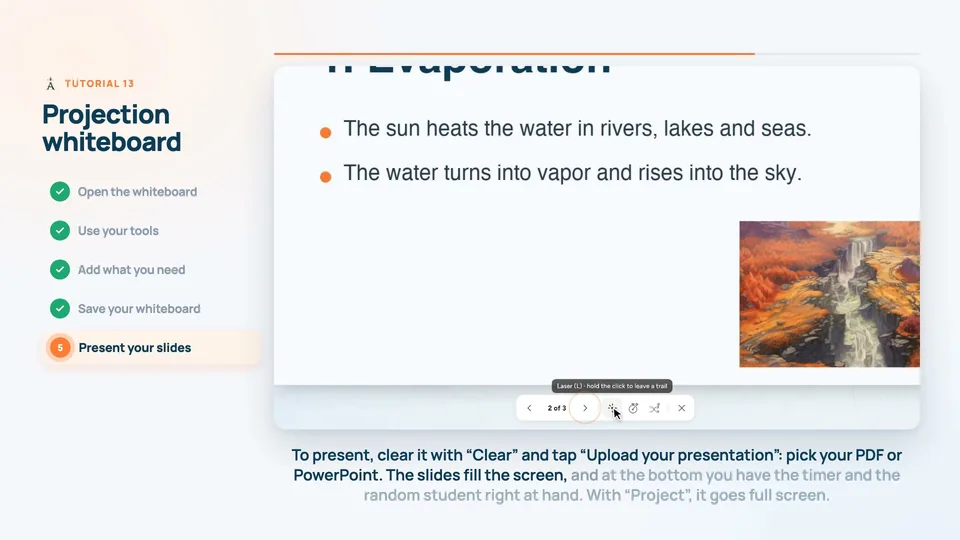 1:14 Projection whiteboardAll the classroom tools, ready to project.
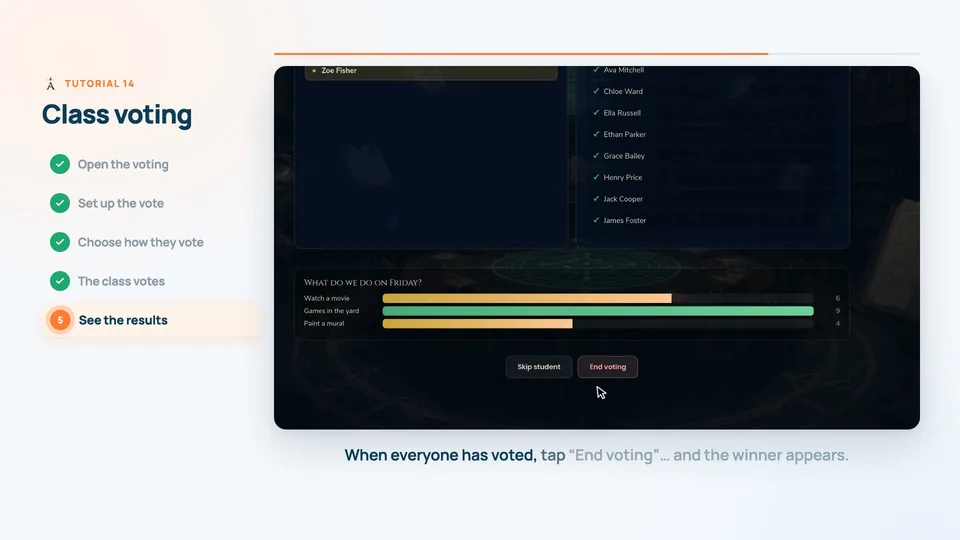 1:04 Class votingClass decisions by secret ballot.
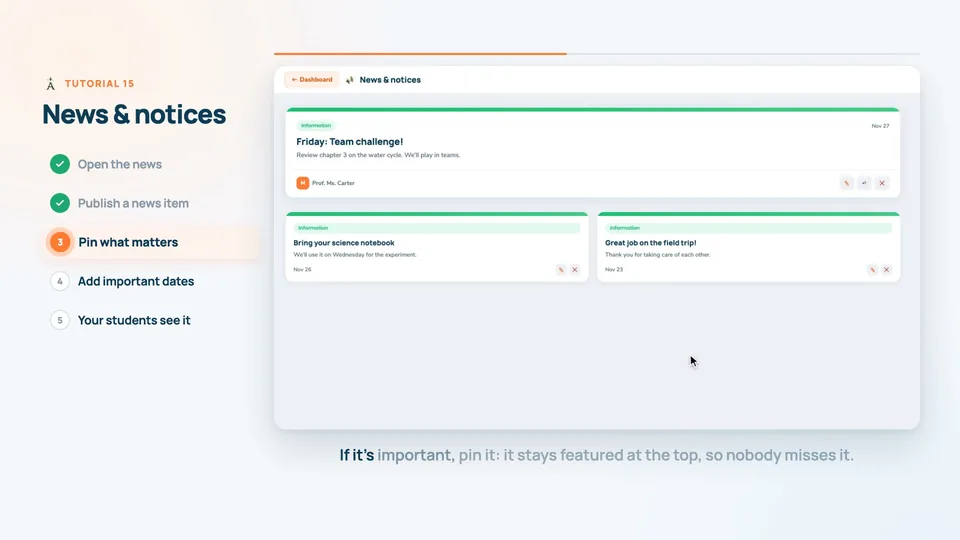 0:55 News & noticesClass communication, no WhatsApp.
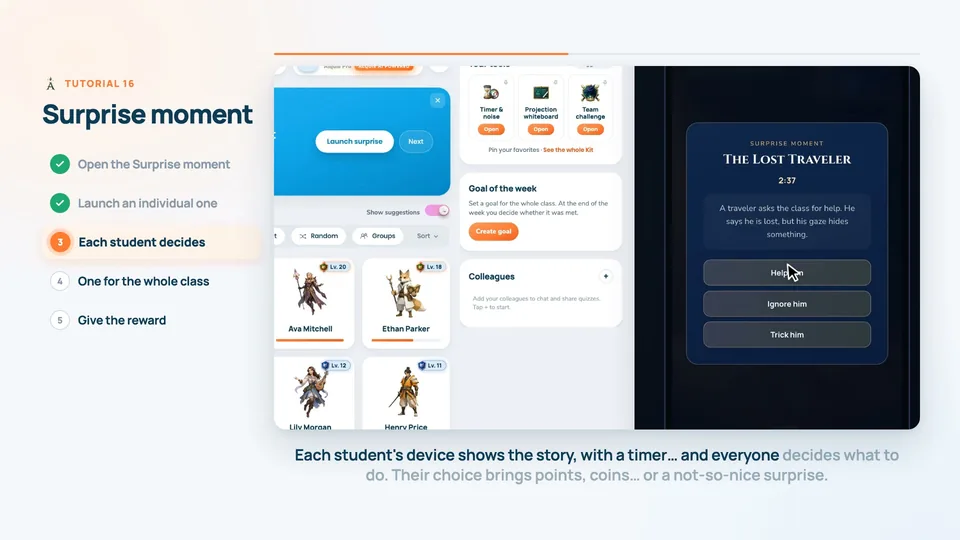 1:07 Surprise momentTo re-energize the class.
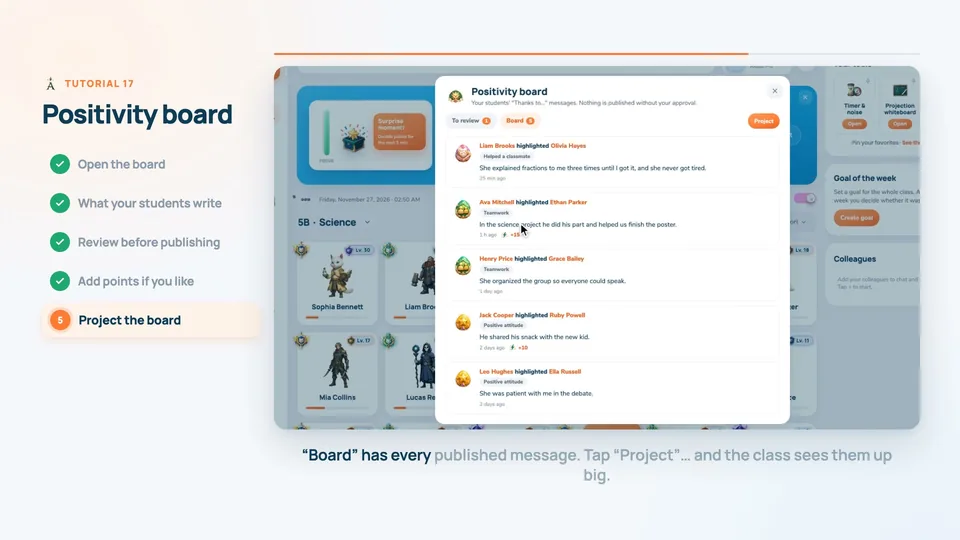 1:00 Positivity boardThank-yous between classmates.