News & notices
Do your announcements get lost in the group chat? With News & notices you talk to the whole class from Alquie… and your students see it on their panel.
What’s said in the video
Do your announcements get lost in the group chat? With News & notices you talk to the whole class from Alquie… and your students see it on their panel. Tap “Toolkit”… in “Community & class”, choose “News & notices”… and tap “Open”. Tap “Publish” and choose “News”. Write the title and the message… and tap “Publish” again. If it’s important, pin it: it stays featured at the top, so nobody misses it. For a test or a field trip, choose “Important date”: give it a name and a day… and it goes on the class calendar. Your students see every news item on their panel, with a red dot until they open it. A tip: post the notice at the end of class, while they’re still with you. Alquie, your class, an adventure.
More from Mechanics
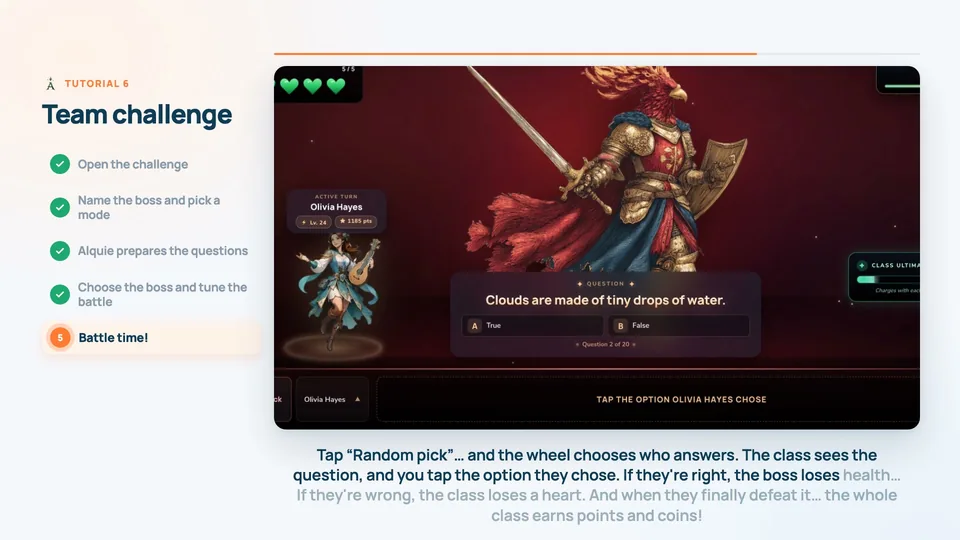 1:34 Team challengeThe whole class beats one boss.
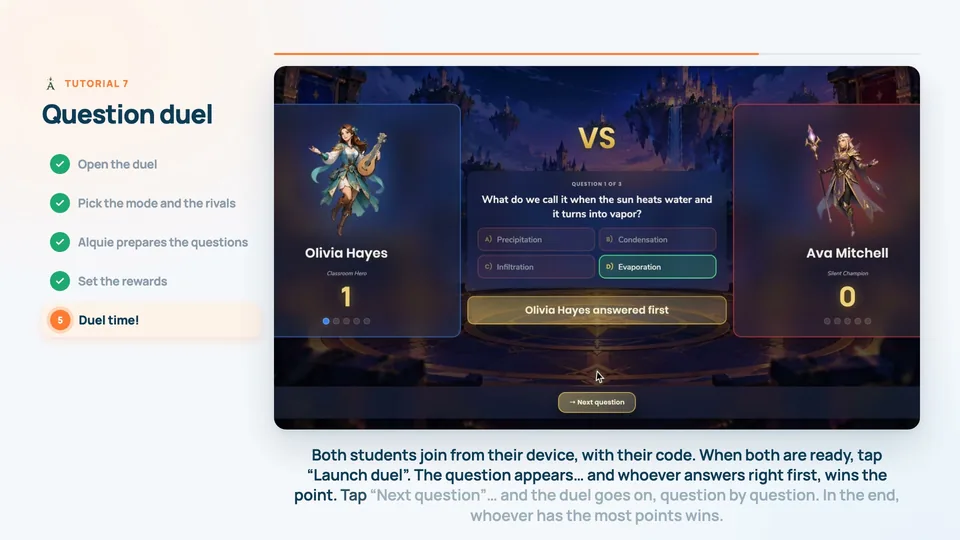 1:33 Question duelTurn-based, one against one.
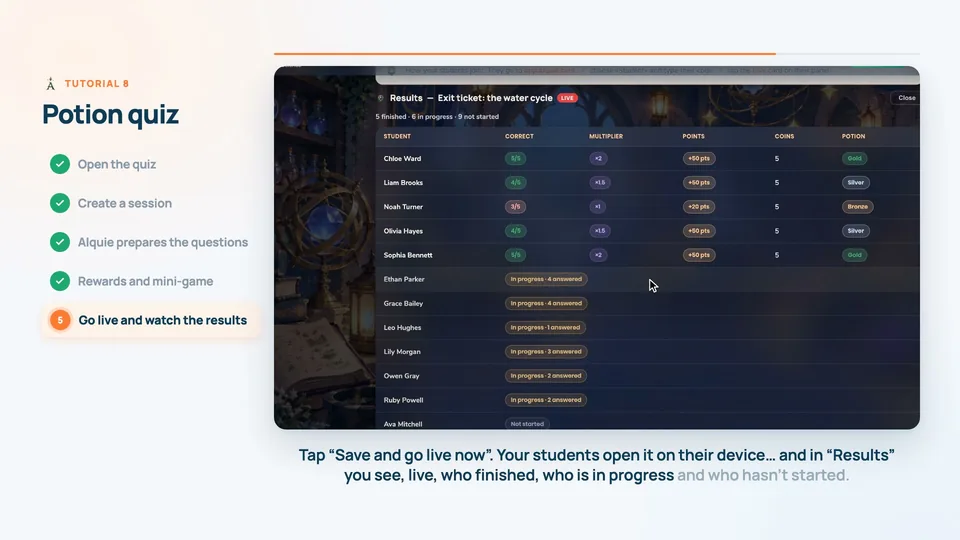 1:13 Potion quizEach student answers on their device.
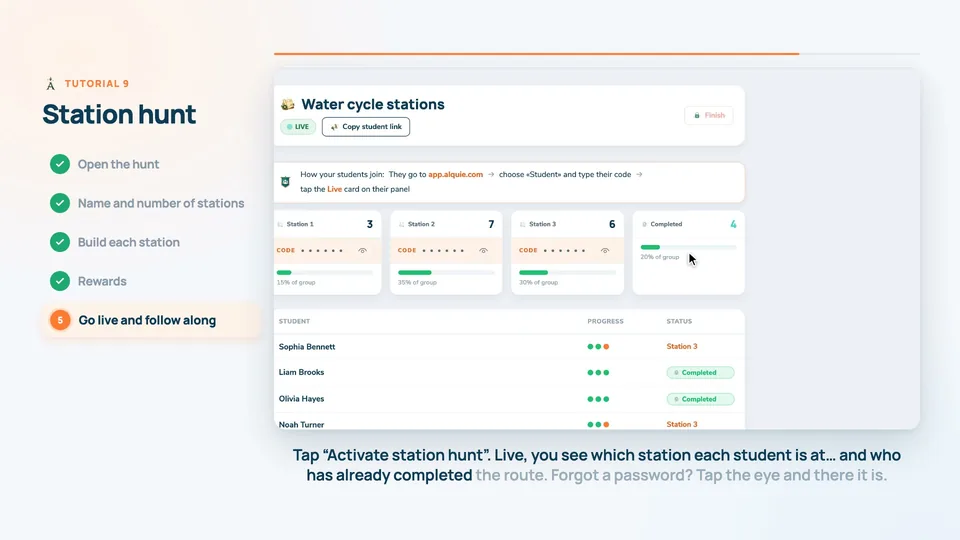 1:23 Station huntStation-based work, more fun.
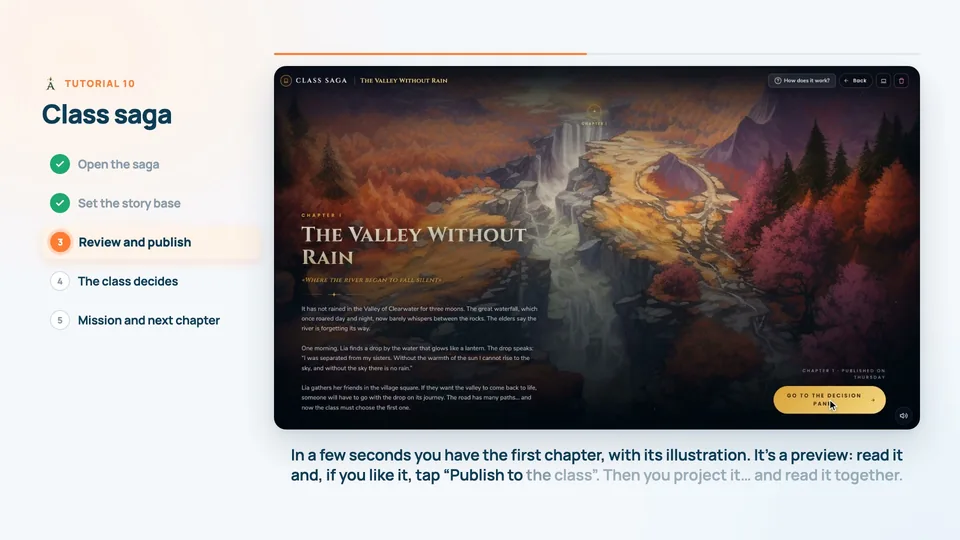 1:27 Class sagaA tale the class builds all year.
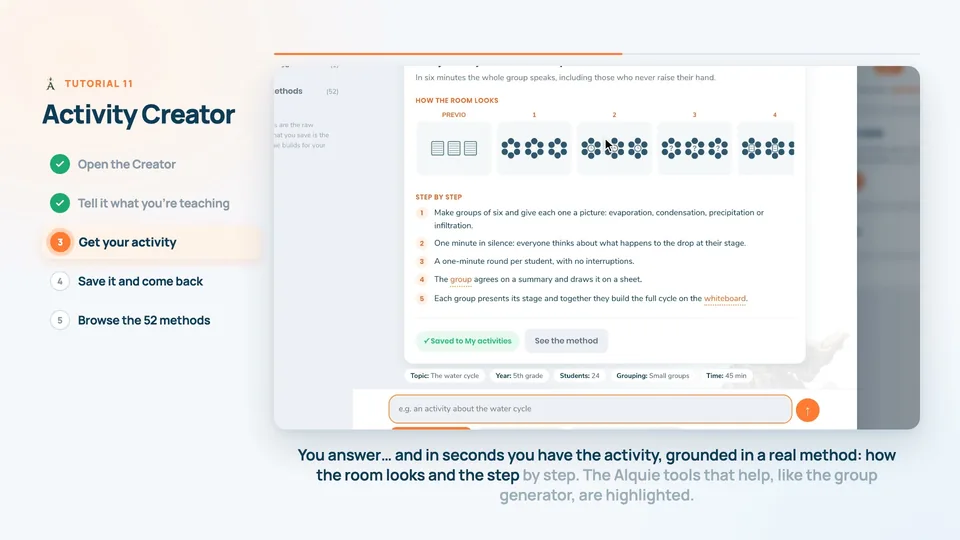 1:09 Activity CreatorWhat to do when nothing comes to mind.
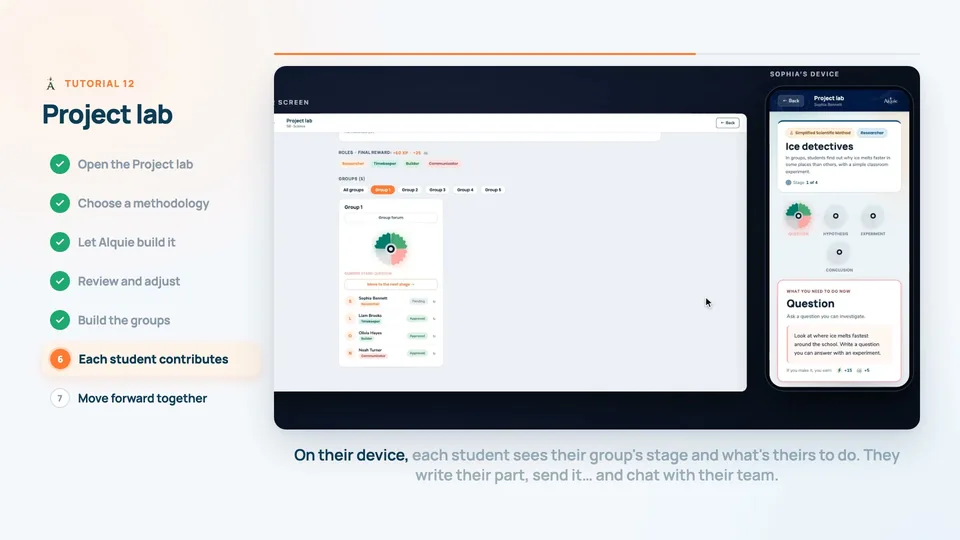 1:32 Project labPBL, Design Thinking, inquiry.
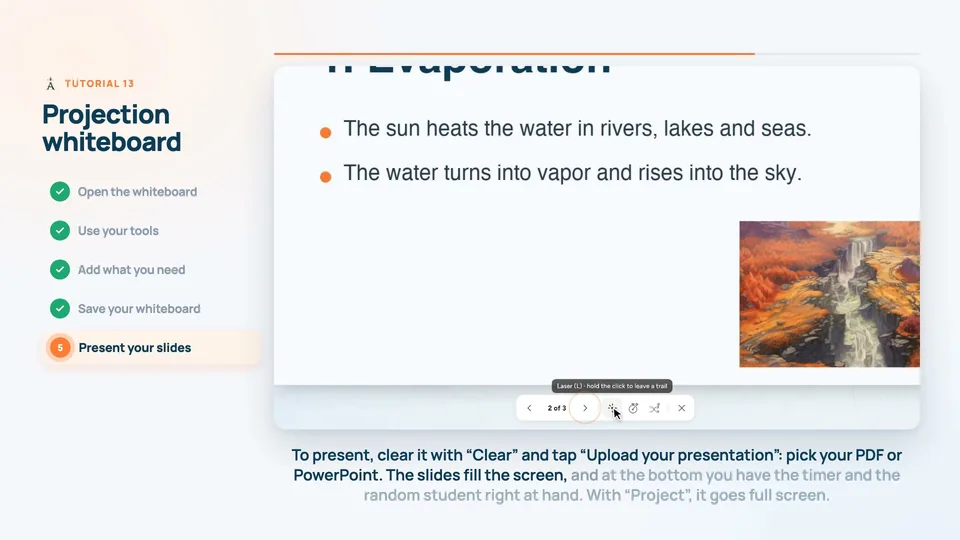 1:14 Projection whiteboardAll the classroom tools, ready to project.
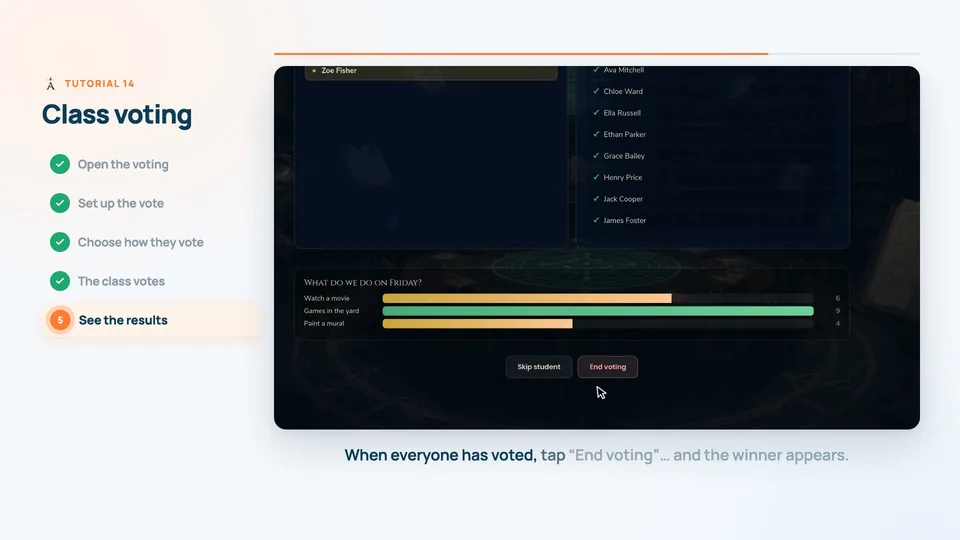 1:04 Class votingClass decisions by secret ballot.
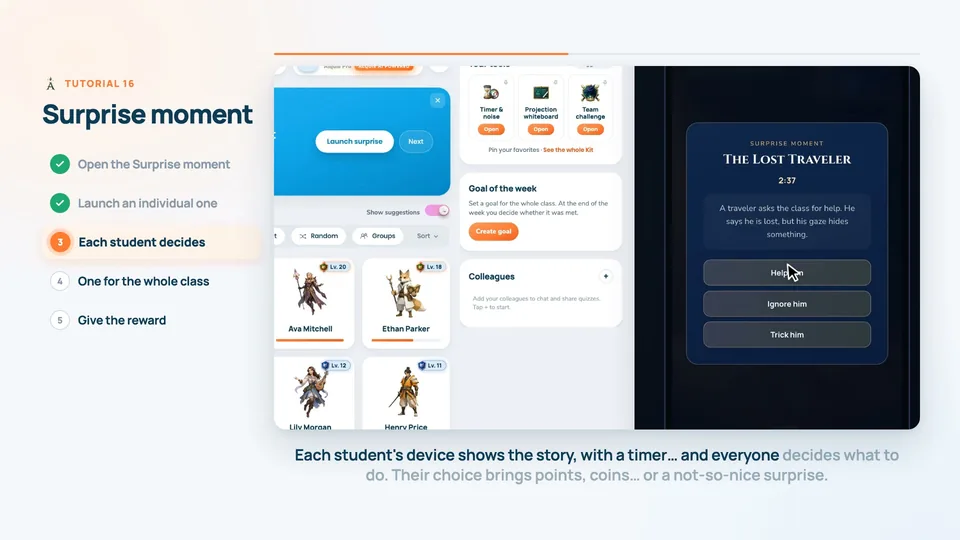 1:07 Surprise momentTo re-energize the class.
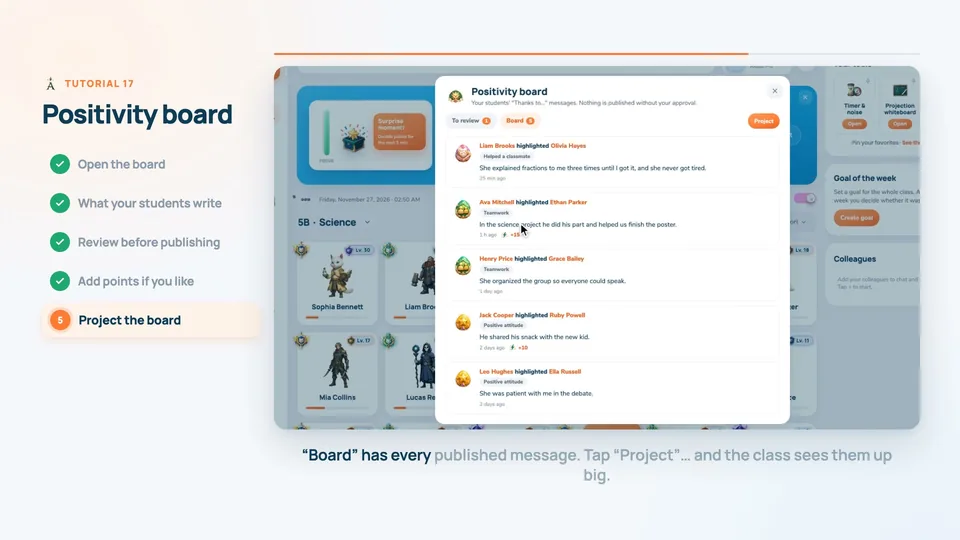 1:00 Positivity boardThank-yous between classmates.
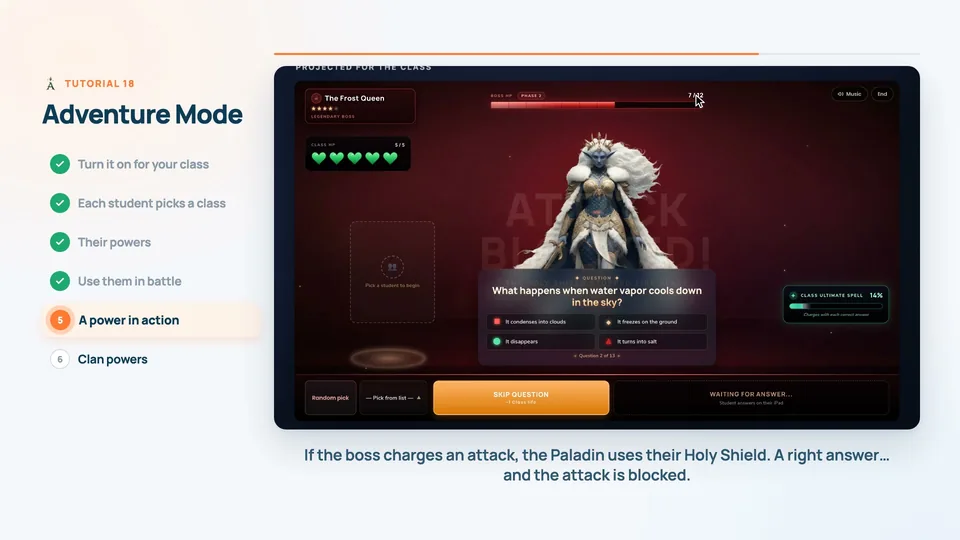 1:24 Adventure ModeTeam roles with powers: Paladin, Healer or Striker.