Team challenge
Finished a unit and want to review it with the whole class? In Team challenge, the whole class teams up to defeat a boss.
What’s said in the video
Finished a unit and want to review it with the whole class? In Team challenge, the whole class teams up to defeat a boss. Tap “Toolkit”… in “Quizzes & challenges”, choose “Team challenge”… and tap “Open”. First, give the boss a name. Then pick the game mode: you ask out loud, the class sees each one projected on the screen, or every student answers on their own device. Today: “Questions on screen”. Now, the questions. Tap “Let Alquie prepare the quiz for you”. Tell it the topic… the grade and difficulty… and the type of questions. Then, hit “Prepare quiz”… and in seconds you have twenty questions ready, and you can edit any of them. Choose the boss image… this phoenix, for example. In “Advanced settings” you set its health, damage and reward. For a short class, lower its health. And now: “Start Battle”. Tap “Random pick”… and the wheel chooses who answers. The class sees the question, and you tap the option they chose. If they're right, the boss loses health… If they're wrong, the class loses a heart. And when they finally defeat it… the whole class earns points and coins! To wrap up, tap “Deliver rewards and exit”. A tip: use it to close a unit. They review everything… as a team. Alquie, your class, an adventure.
More from Mechanics
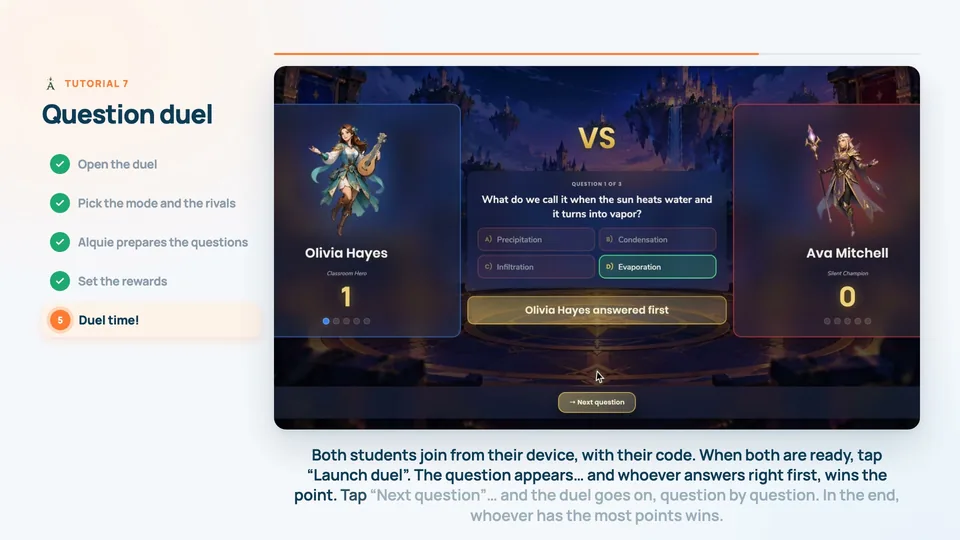 1:33 Question duelTurn-based, one against one.
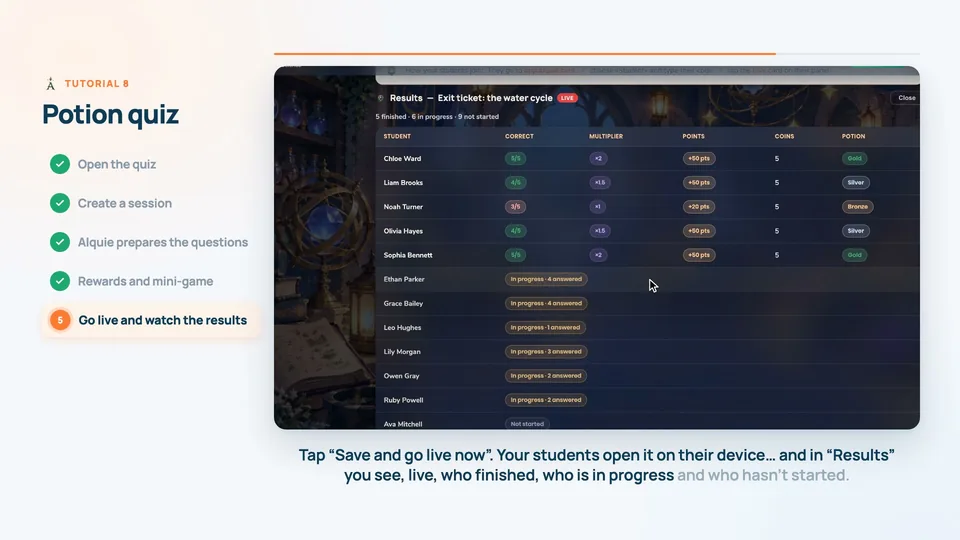 1:13 Potion quizEach student answers on their device.
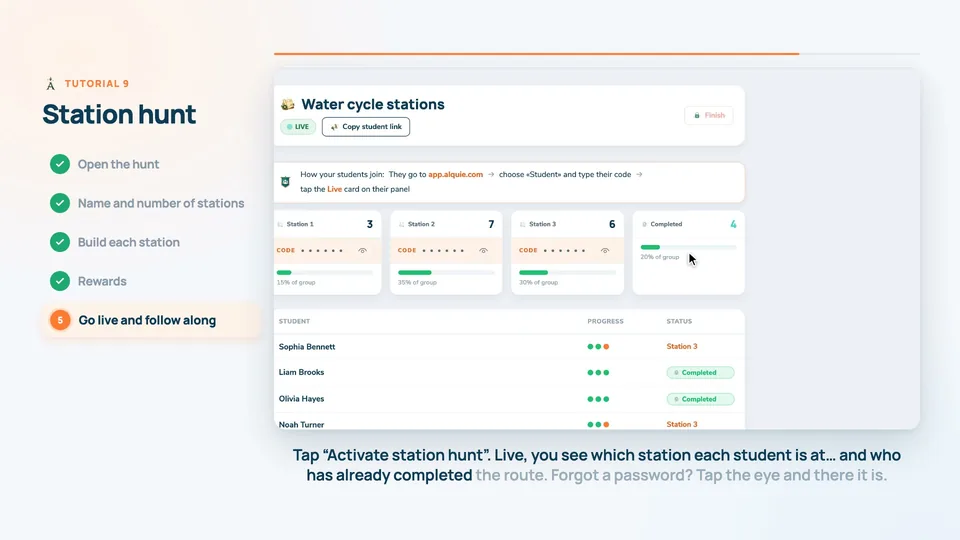 1:23 Station huntStation-based work, more fun.
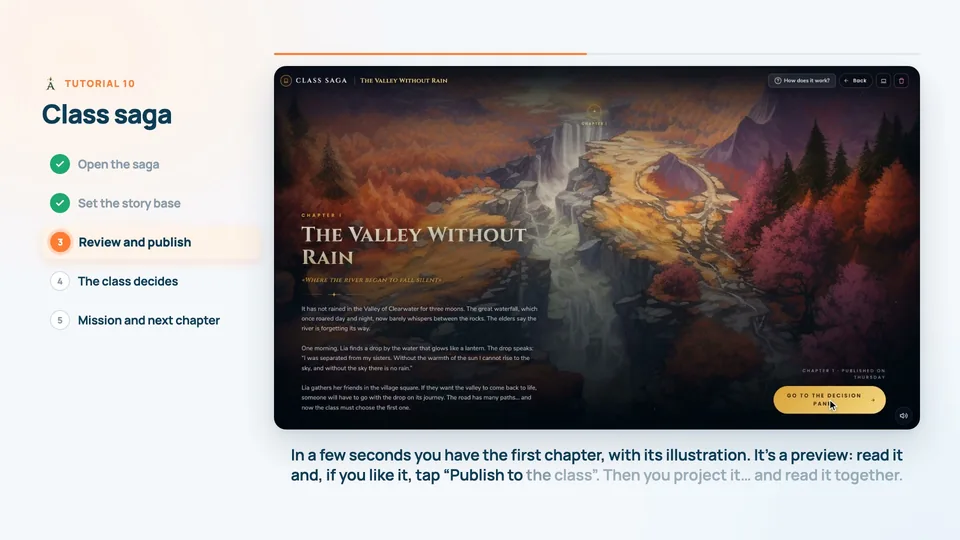 1:27 Class sagaA tale the class builds all year.
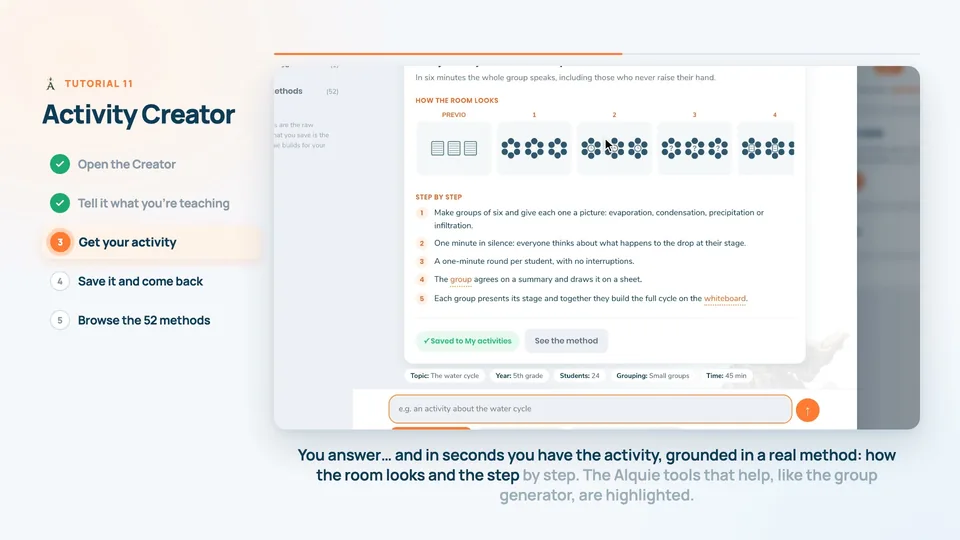 1:09 Activity CreatorWhat to do when nothing comes to mind.
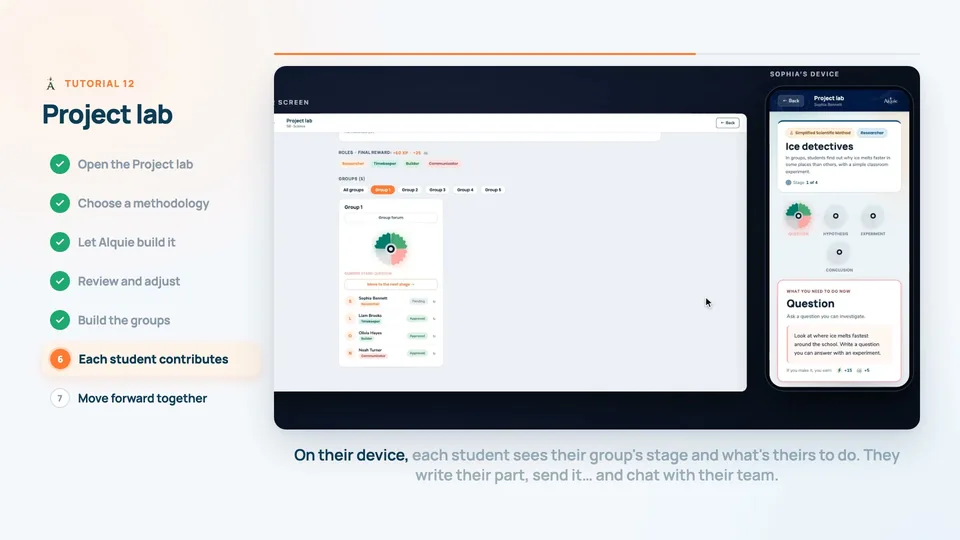 1:32 Project labPBL, Design Thinking, inquiry.
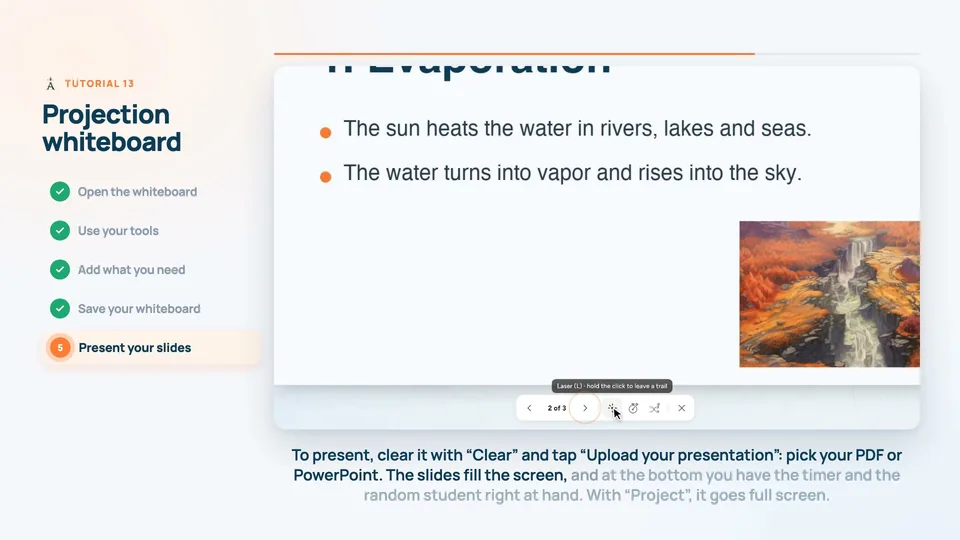 1:14 Projection whiteboardAll the classroom tools, ready to project.
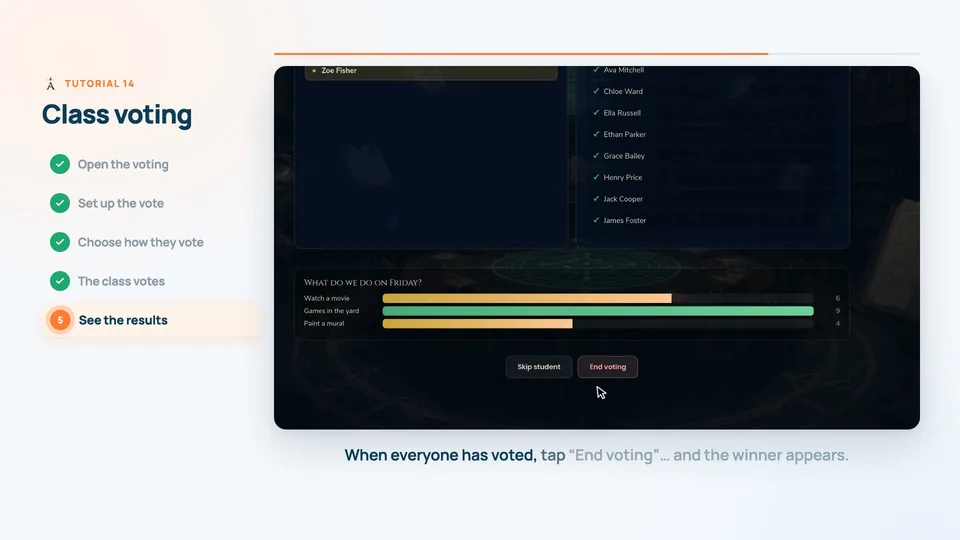 1:04 Class votingClass decisions by secret ballot.
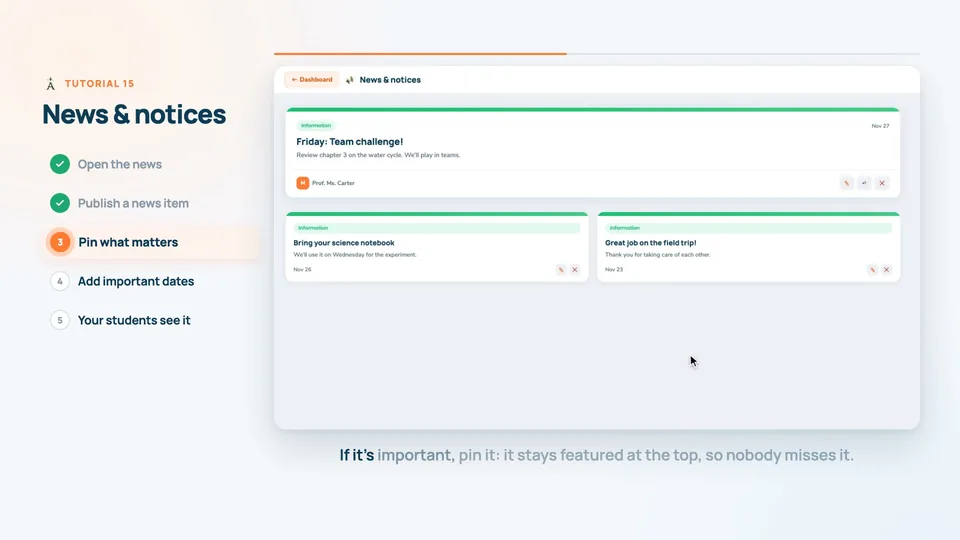 0:55 News & noticesClass communication, no WhatsApp.
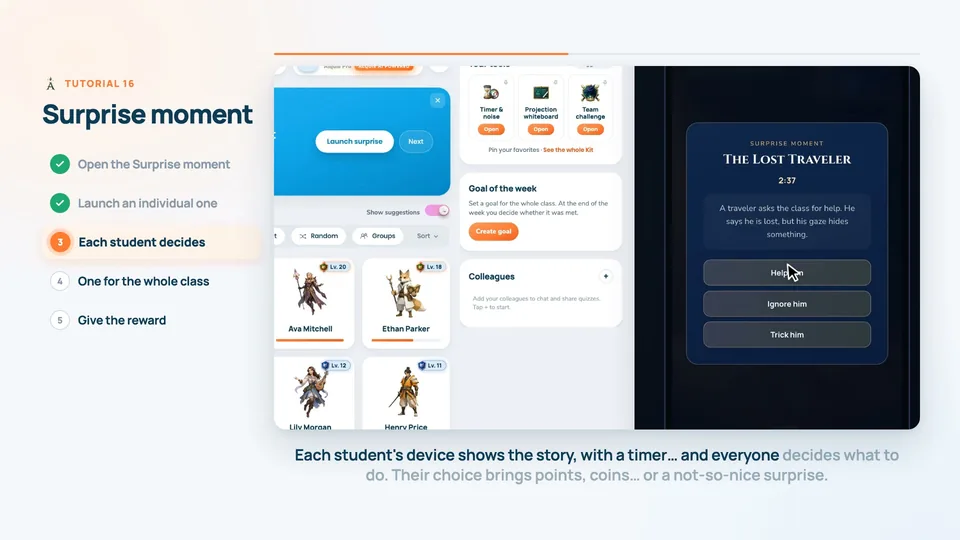 1:07 Surprise momentTo re-energize the class.
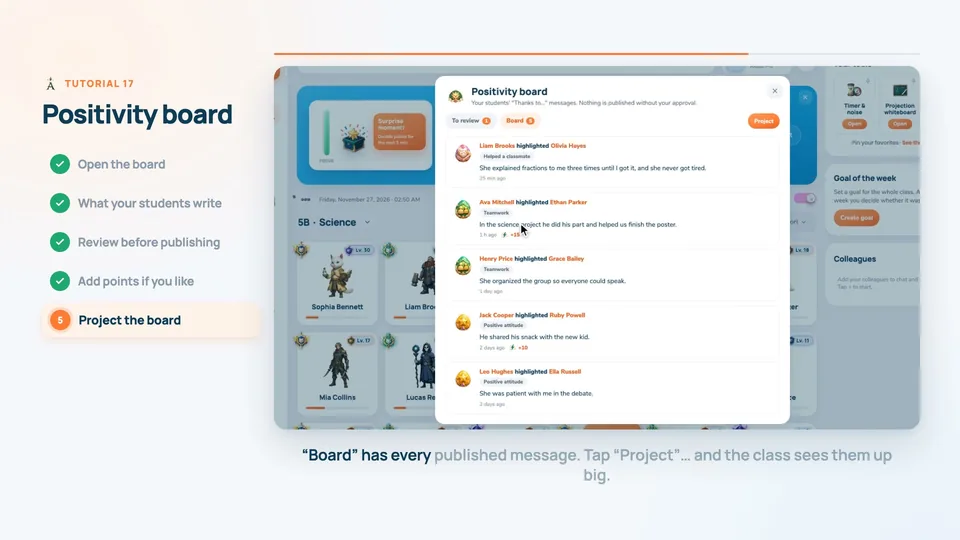 1:00 Positivity boardThank-yous between classmates.
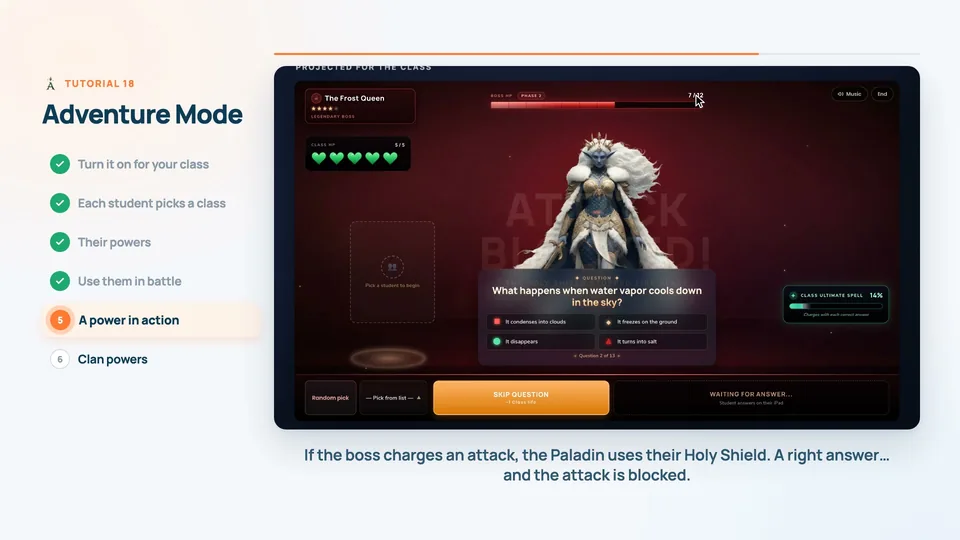 1:24 Adventure ModeTeam roles with powers: Paladin, Healer or Striker.