Class voting
Does your class need to choose something? With Class voting, the class decides by secret ballot: a class delegate, a team name… or what to do on Friday.
What’s said in the video
Does your class need to choose something? With Class voting, the class decides by secret ballot: a class delegate, a team name… or what to do on Friday. Tap “Toolkit”… in “Community & class”, choose “Class voting”… and tap “Open”. Give it a title… and write what is being voted on. The options can be your own, or students in the class, if it’s an election. You can add more than one position in the same vote. You decide the order, whether results show live or only at the end… and what happens if there’s a tie. Tap “Start voting”. The screen shows whose turn it is. Each student votes in secret on their device… and the list moves on by itself. When everyone has voted, tap “End voting”… and the winner appears. A tip: use it for class decisions. Real voting is something you learn too. Alquie, your class, an adventure.
More from Mechanics
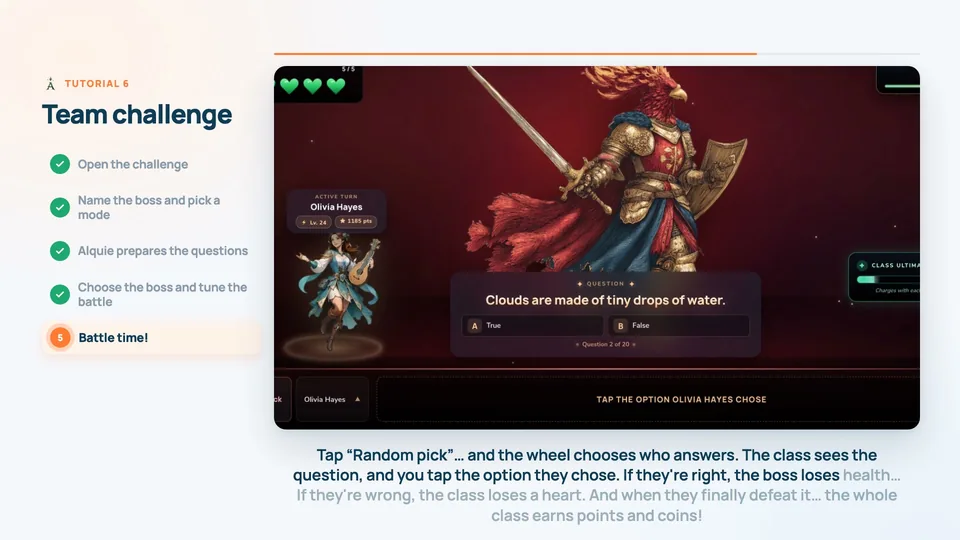 1:34 Team challengeThe whole class beats one boss.
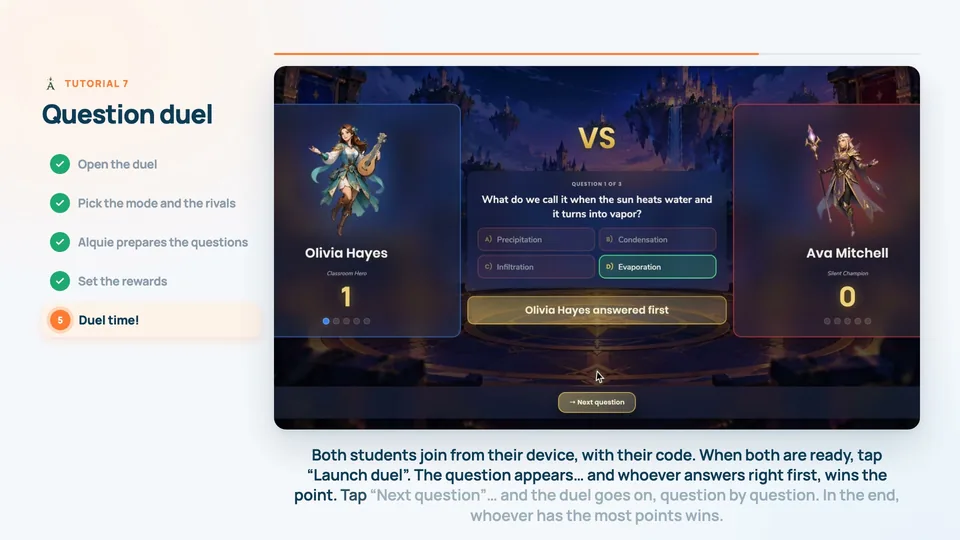 1:33 Question duelTurn-based, one against one.
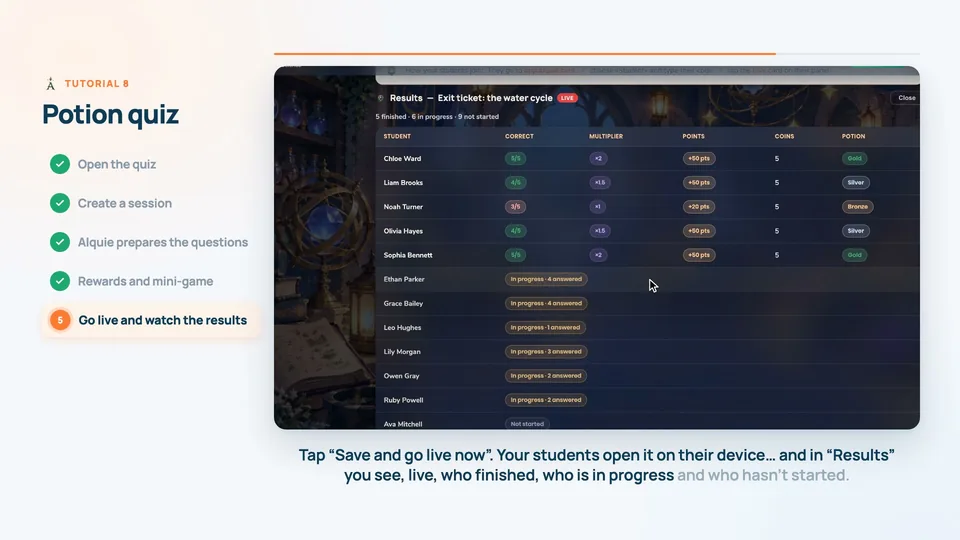 1:13 Potion quizEach student answers on their device.
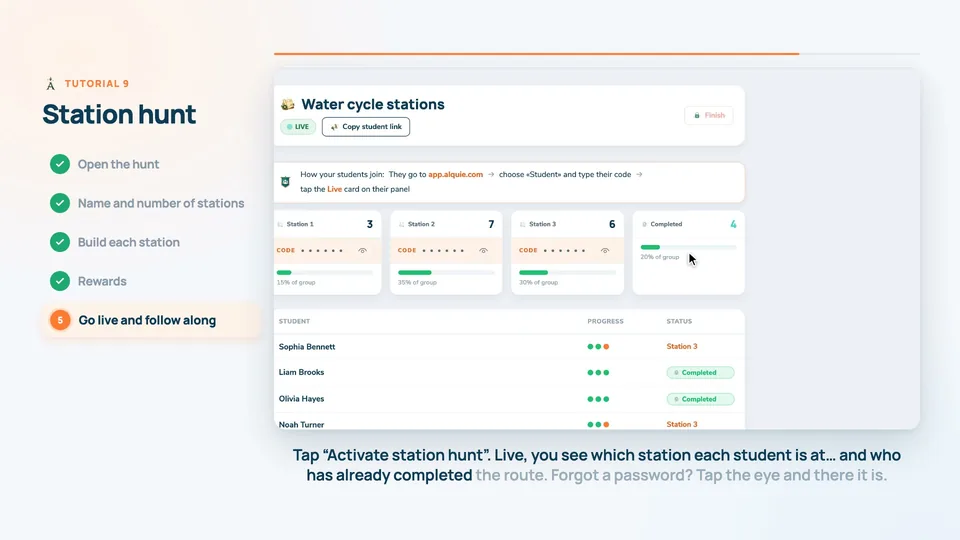 1:23 Station huntStation-based work, more fun.
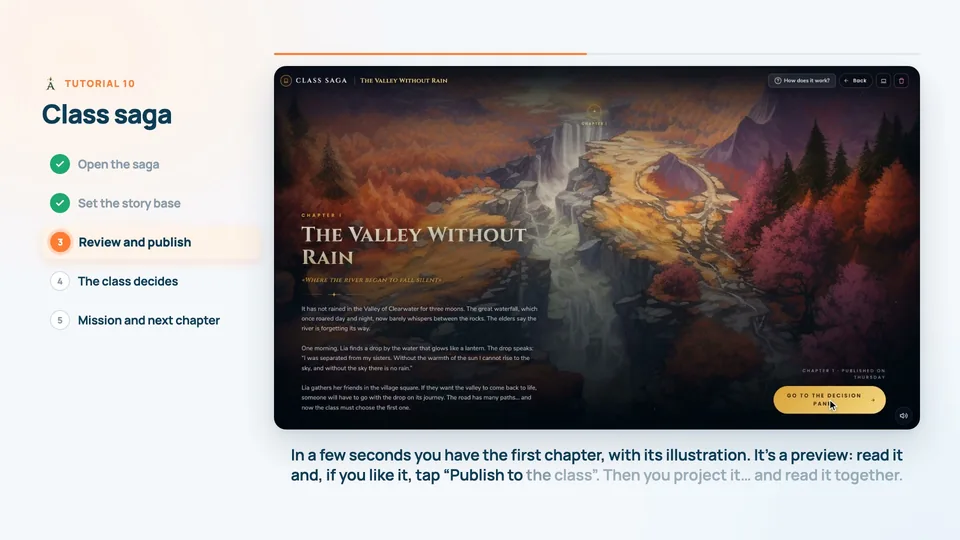 1:27 Class sagaA tale the class builds all year.
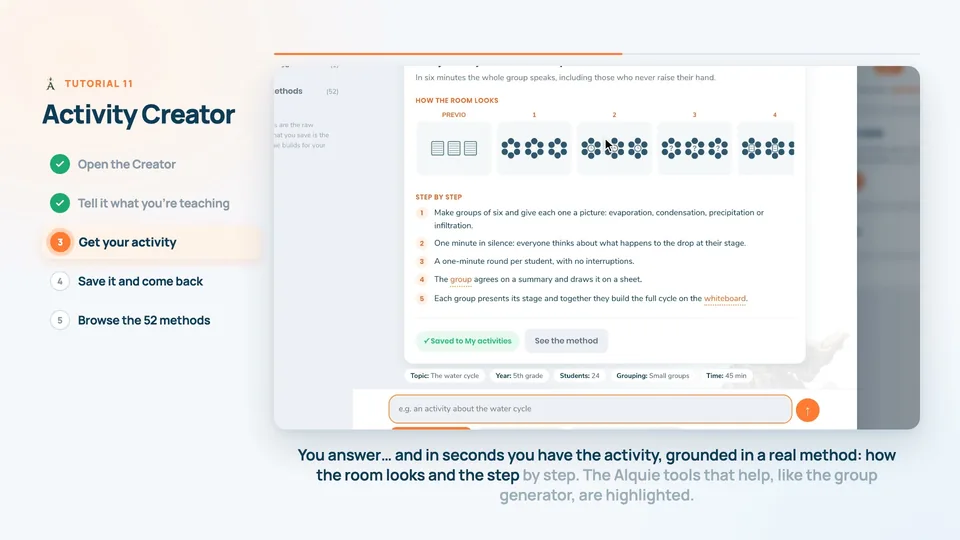 1:09 Activity CreatorWhat to do when nothing comes to mind.
 1:32 Project labPBL, Design Thinking, inquiry.
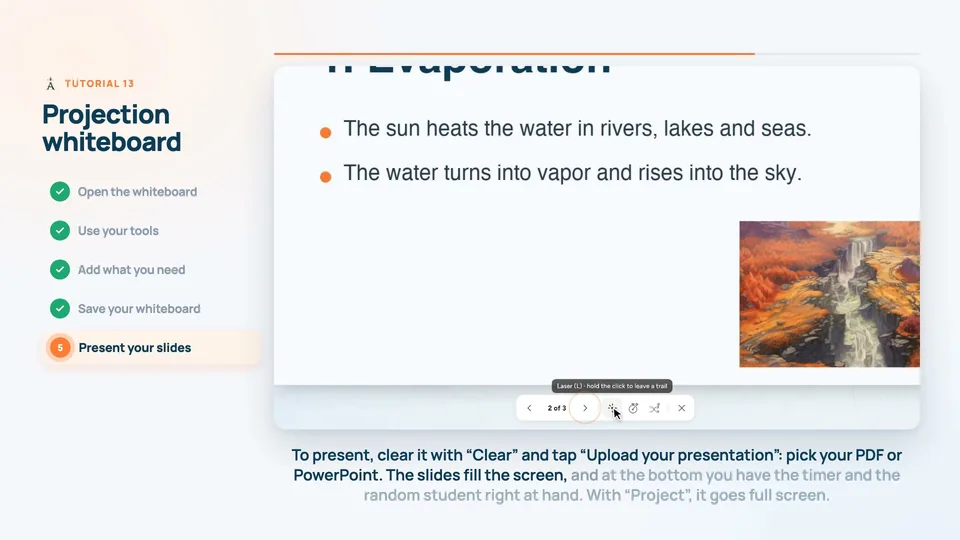 1:14 Projection whiteboardAll the classroom tools, ready to project.
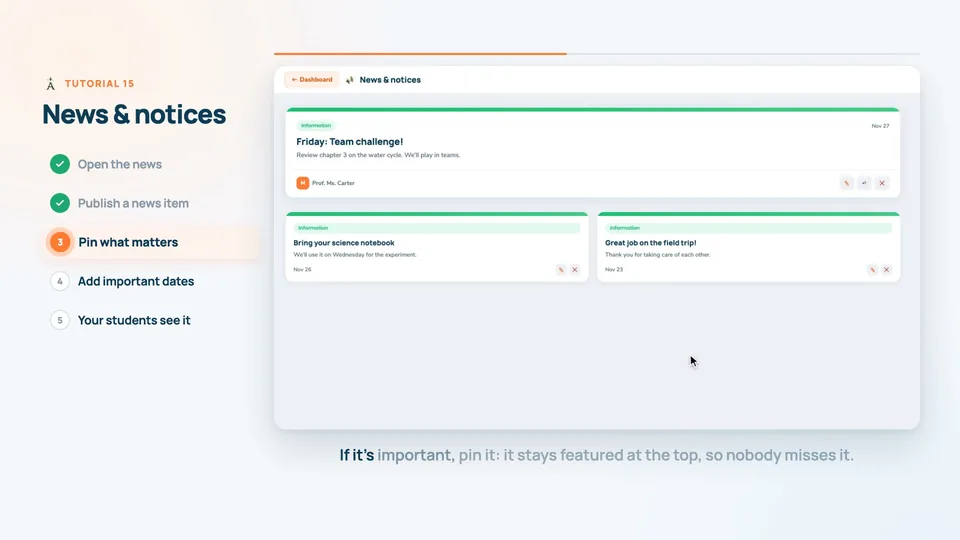 0:55 News & noticesClass communication, no WhatsApp.
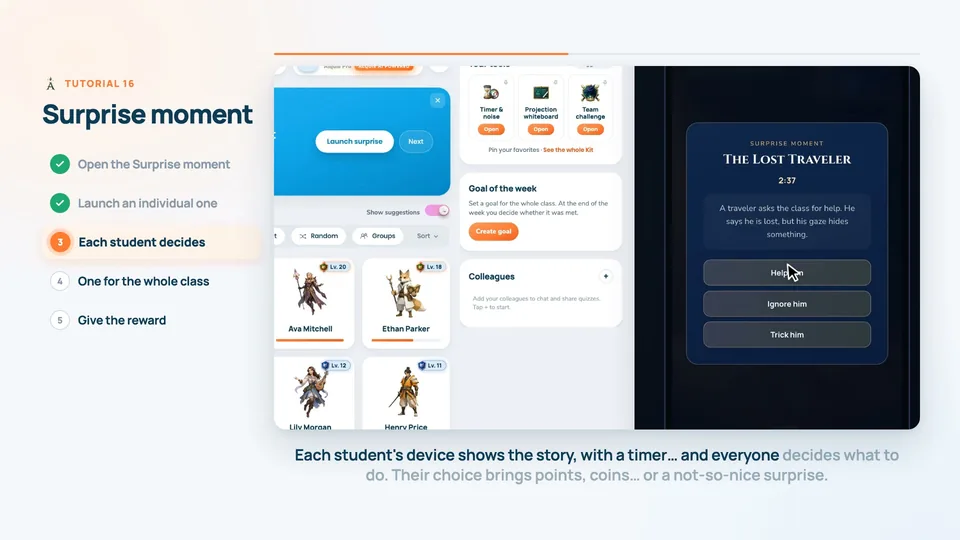 1:07 Surprise momentTo re-energize the class.
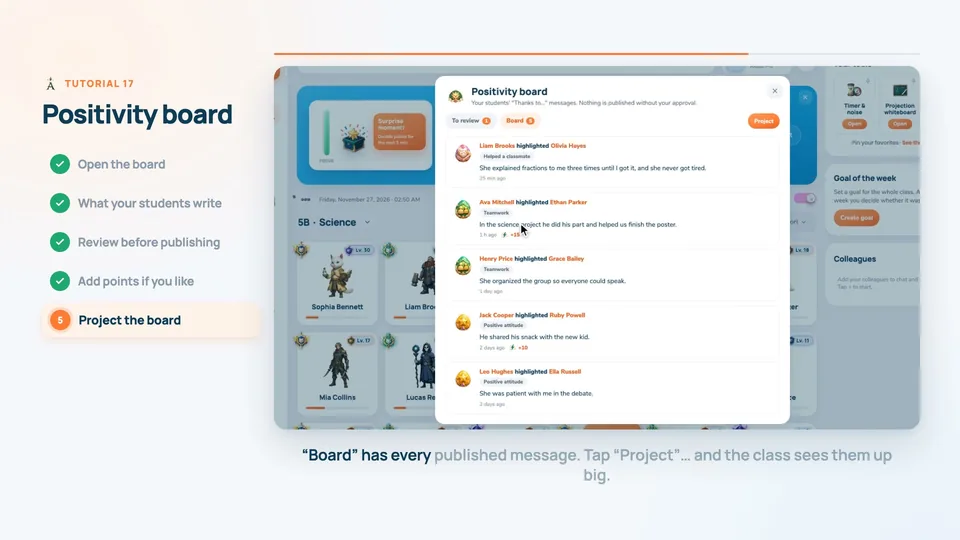 1:00 Positivity boardThank-yous between classmates.
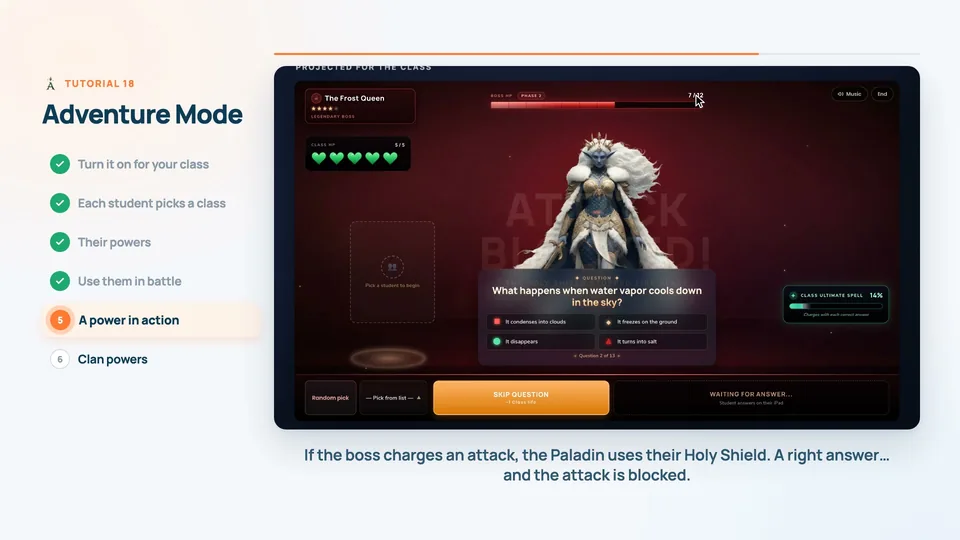 1:24 Adventure ModeTeam roles with powers: Paladin, Healer or Striker.