Station hunt
Do you use stations in your class? Station hunt is that same classic station work… just more fun. When a student finishes a station, they type the password you give them on their device… and that opens the next one. Kids love it: they can see they made it. And you can see which station each student is at.
What’s said in the video
Do you use stations in your class? Station hunt is that same classic station work… just more fun. When a student finishes a station, they type the password you give them on their device… and that opens the next one. Kids love it: they can see they made it. And you can see which station each student is at. Tap “Toolkit”… in “Quizzes & challenges”, choose “Station hunt”… and tap “Open”. Give the activity a name… and choose how many stations it will have. Today, three. For each station, write what to do… a clue, if you like… and a secret code: that station’s password. When the student finishes, you give it to them, they type it on their device… and move on to the next one. Then you do the same with the other stations. In “Advanced settings”, you decide the points and coins for each station… and a bonus for anyone who completes the whole route. Tap “Activate station hunt”. Live, you see which station each student is at… and who has already completed the route. Forgot a password? Tap the eye and there it is. A tip: spread the stations around the school… and the class learns on the move. Alquie, your class, an adventure.
More from Mechanics
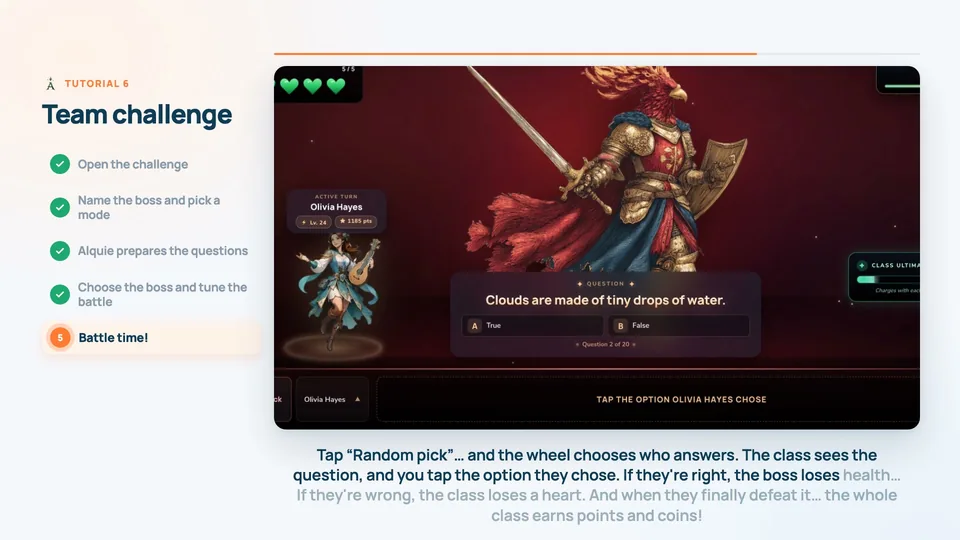 1:34 Team challengeThe whole class beats one boss.
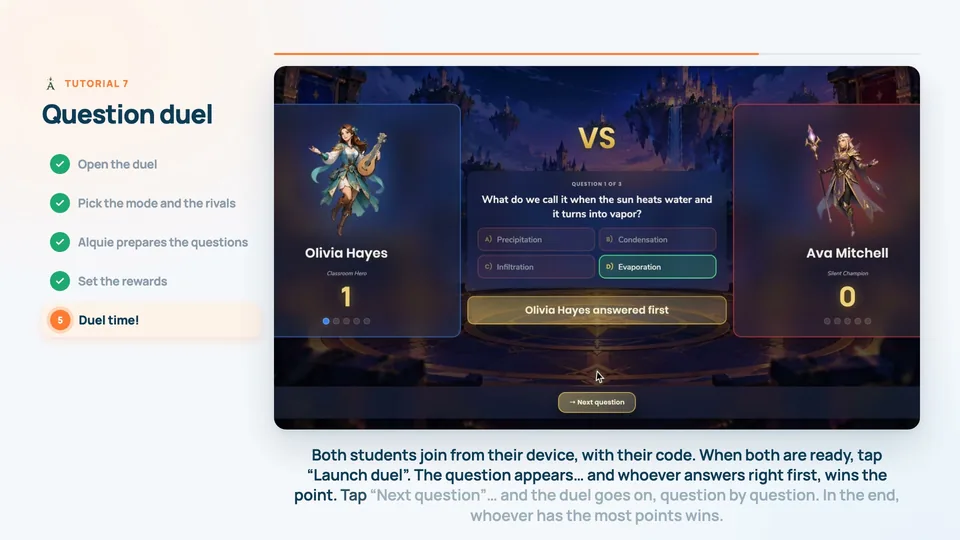 1:33 Question duelTurn-based, one against one.
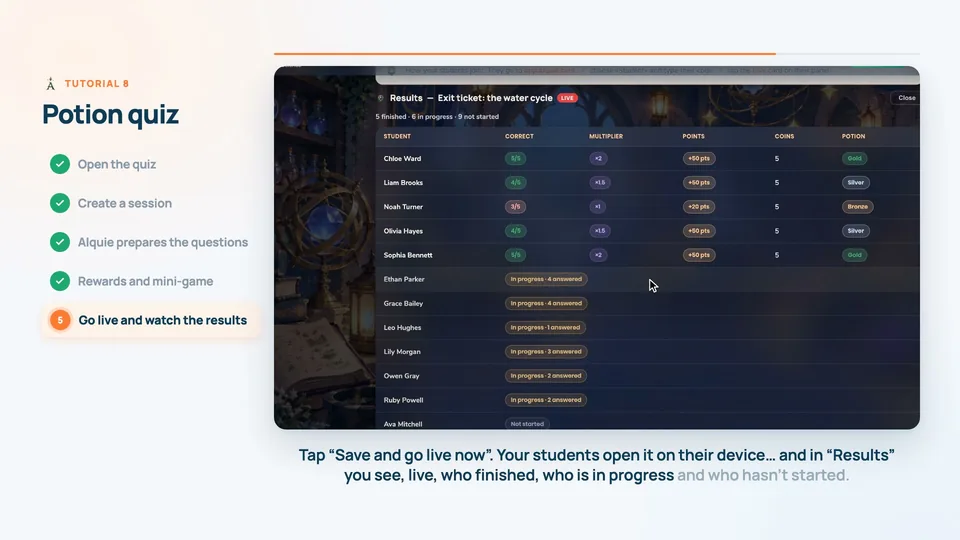 1:13 Potion quizEach student answers on their device.
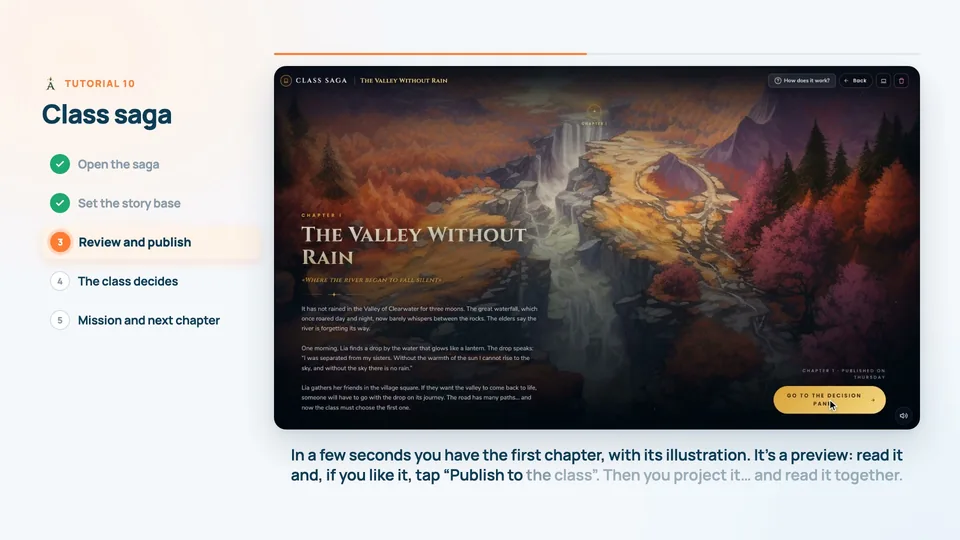 1:27 Class sagaA tale the class builds all year.
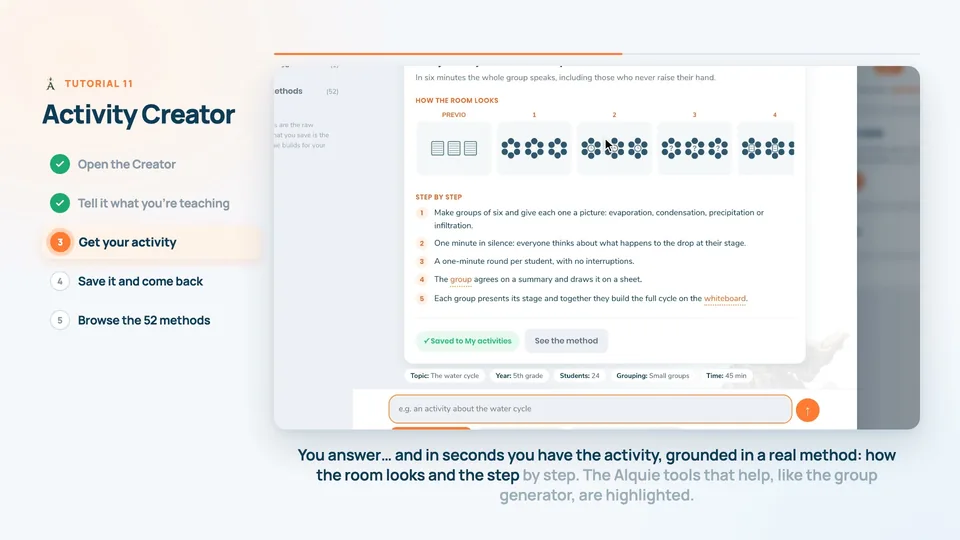 1:09 Activity CreatorWhat to do when nothing comes to mind.
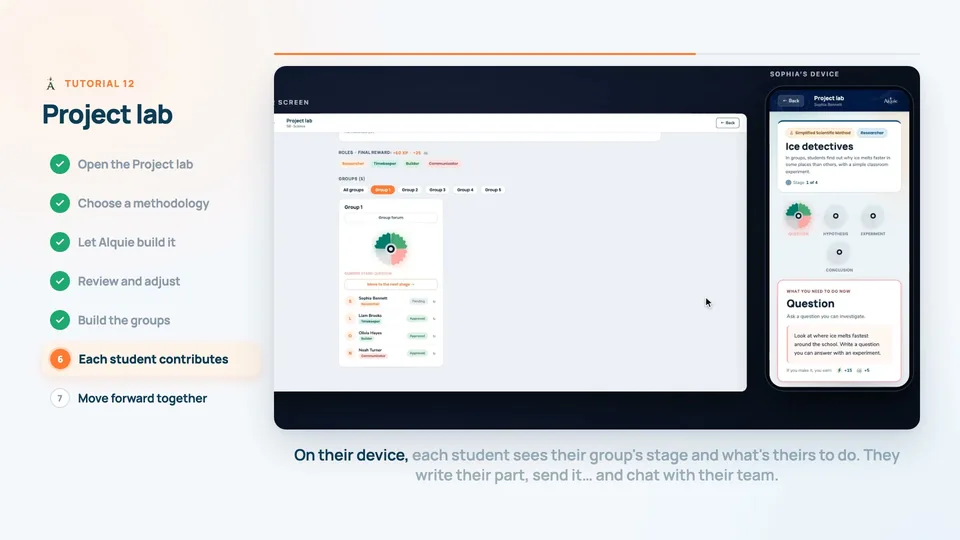 1:32 Project labPBL, Design Thinking, inquiry.
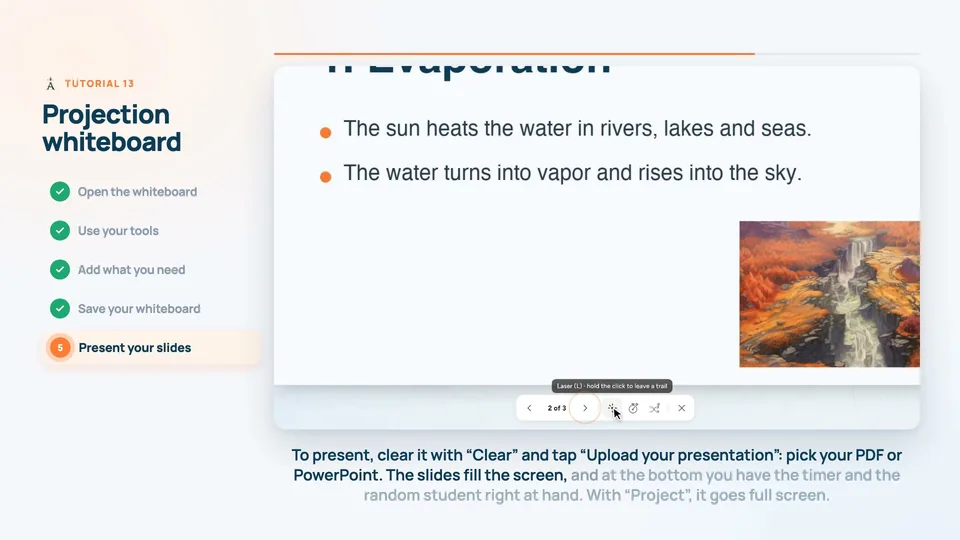 1:14 Projection whiteboardAll the classroom tools, ready to project.
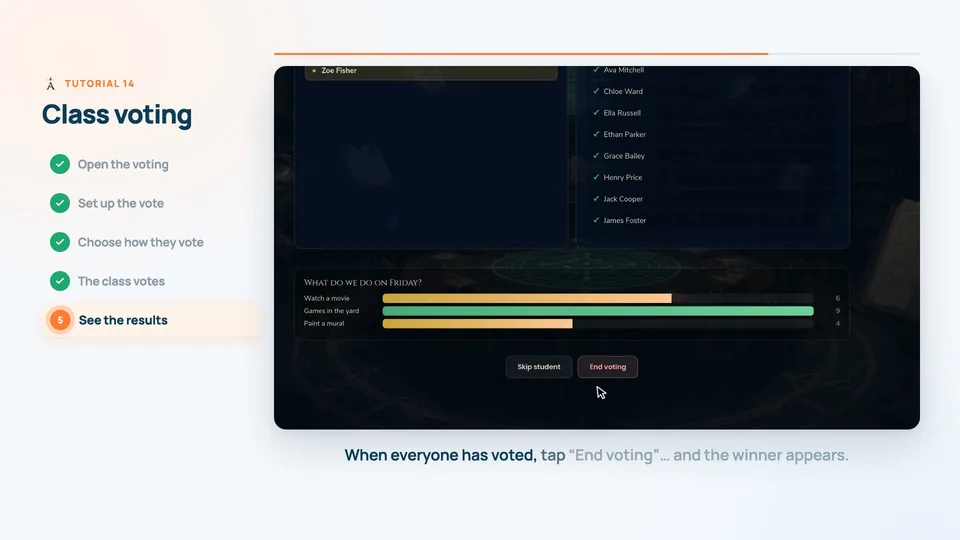 1:04 Class votingClass decisions by secret ballot.
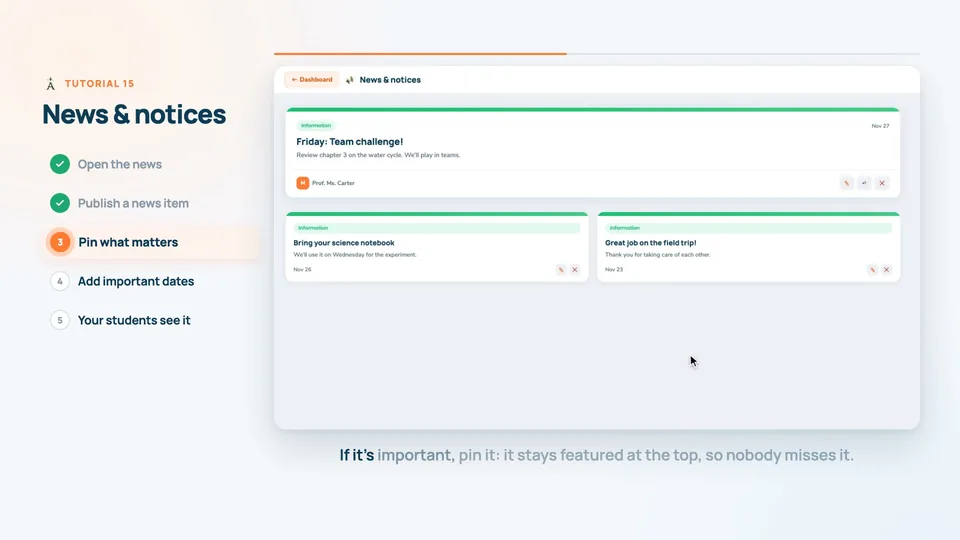 0:55 News & noticesClass communication, no WhatsApp.
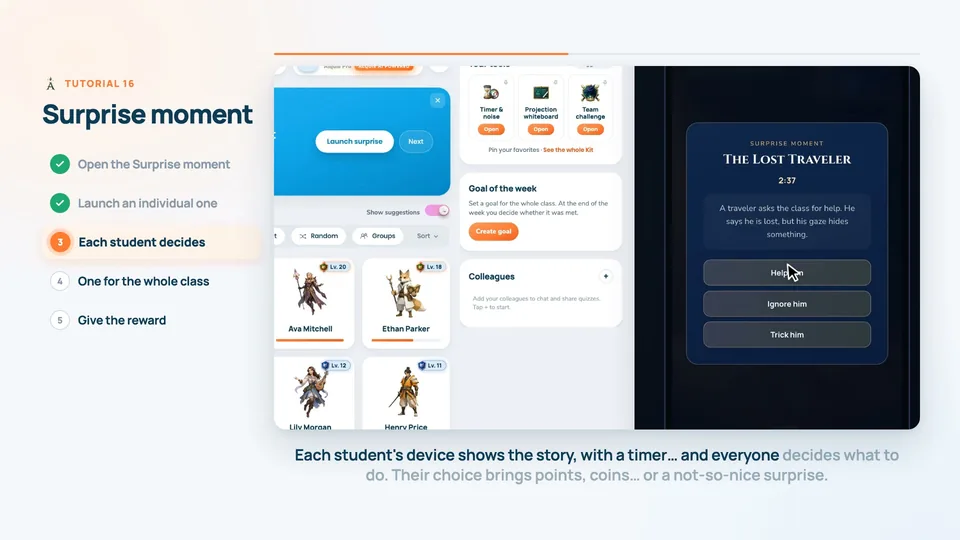 1:07 Surprise momentTo re-energize the class.
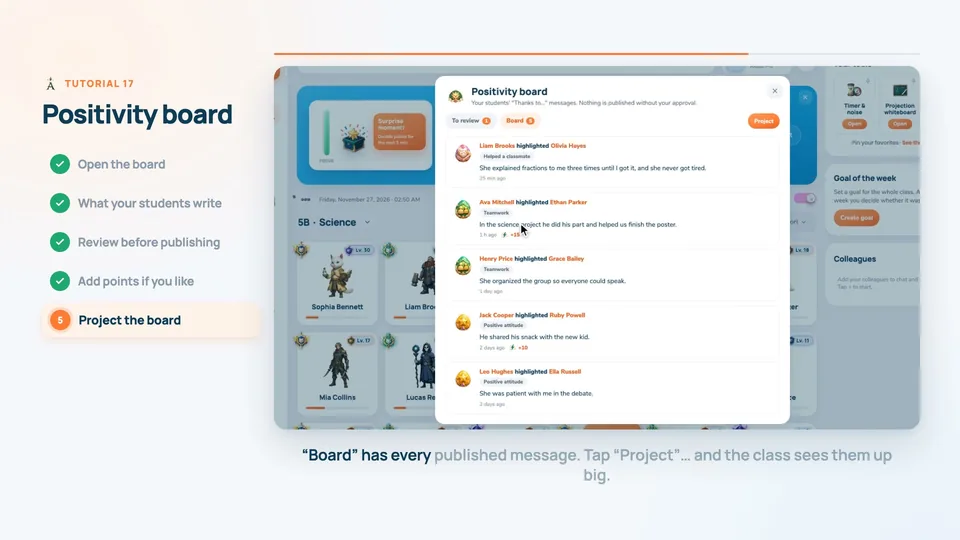 1:00 Positivity boardThank-yous between classmates.
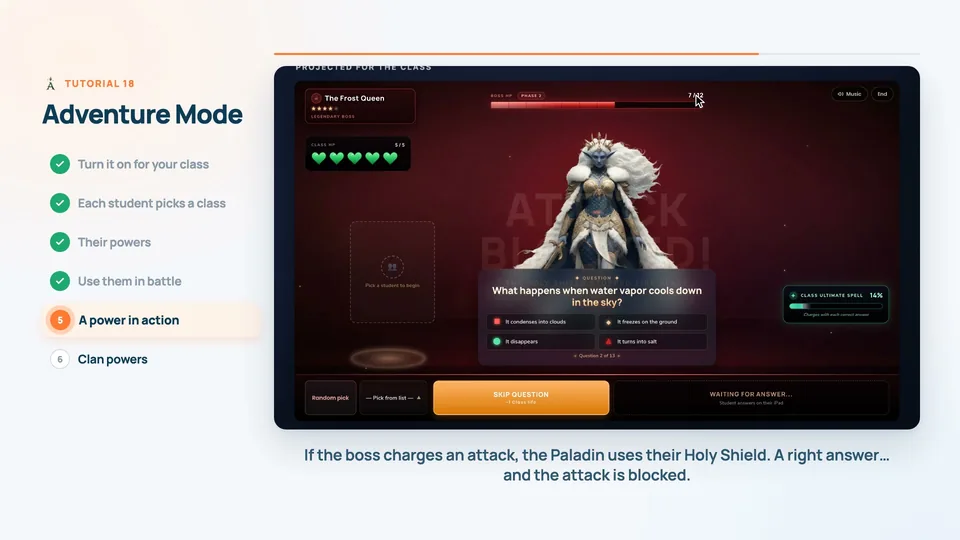 1:24 Adventure ModeTeam roles with powers: Paladin, Healer or Striker.